QR Code for Reviews: 2-Minute Setup + 3-5x More in 90 Days
How local businesses use QR codes to collect 3-5x more Google reviews in 90 days. Simple generator, real placement tactics, scan-rate data, and what to put on the card.
QR Code Review Collection: The Complete Guide for Local Businesses
Your customer just had a great experience at your business. They're happy, they mean to leave a positive review, and they genuinely want to help you. They're walking out the door thinking, "I should leave them a review on Google."
Then life happens. They get in the car, head to their next appointment, and forget about it. You lose that review forever.
This is the review collection problem that every local business faces. It's not that customers don't want to leave reviews. It's that the friction between "I want to review" and "I've written the review" is too high.
A QR code solves this completely. One scan and your customer is on your review page, ready to write. It's that simple.
This guide walks you through everything: why QR codes work, how to implement them, how to measure results, and how to customize your approach for your specific business type.
The Review Collection Problem
Let's start with the reality. Most local businesses are not doing well with Google review collection. Here's why:
The friction is real. After a transaction, a customer has to:
- Remember to leave a review (they won't)
- Search for your business on Google (takes time)
- Navigate to the review page (one more step)
- Compose a review (effort)
By step 2, most customers have moved on mentally.
Your team can't ask everyone. If your business has high customer volume, your staff is busy serving customers, not asking for reviews. A verbal ask during a rushed transaction feels forced and has low conversion.
Generic ask-and-forget doesn't work. Posters that say "Leave us a review on Google!" get ignored. Emails with review links get deleted. A printed card handed out with every order gets thrown away. These approaches lack the immediacy and ease of a QR code.
You don't know who scanned. Without tracking, you don't know if your review collection efforts are working. You can't identify which placements are effective and which are wasted.
A QR code solves all four of these problems at once.
Why Reviews Matter for Local Business
Before we talk about collection strategy, let's establish why reviews are so important.
Reviews are one of the top ranking factors for local search. When someone searches "hair salon near me" or "plumber in my area," Google's algorithm considers:
- Number of reviews
- Average rating
- Recency of reviews
- Keywords in reviews
A business with 47 reviews and a 4.2 rating shows up lower than the same business with 280 reviews and a 4.6 rating. That's not a small difference -- it's the difference between steady volume and slow months.
Beyond ranking, reviews influence decisions. A customer with a choice between two similar service providers will choose the one with more reviews and higher ratings. It's proof that other people trust you.
For local service businesses especially -- salons, HVAC contractors, plumbers, dentists, personal trainers -- reviews are often the deciding factor. They tell a story about your reliability, quality, and customer service that no marketing copy can match.
How QR Codes Solve the Friction Problem
A QR code removes every single friction point from the review process.
No Search Required
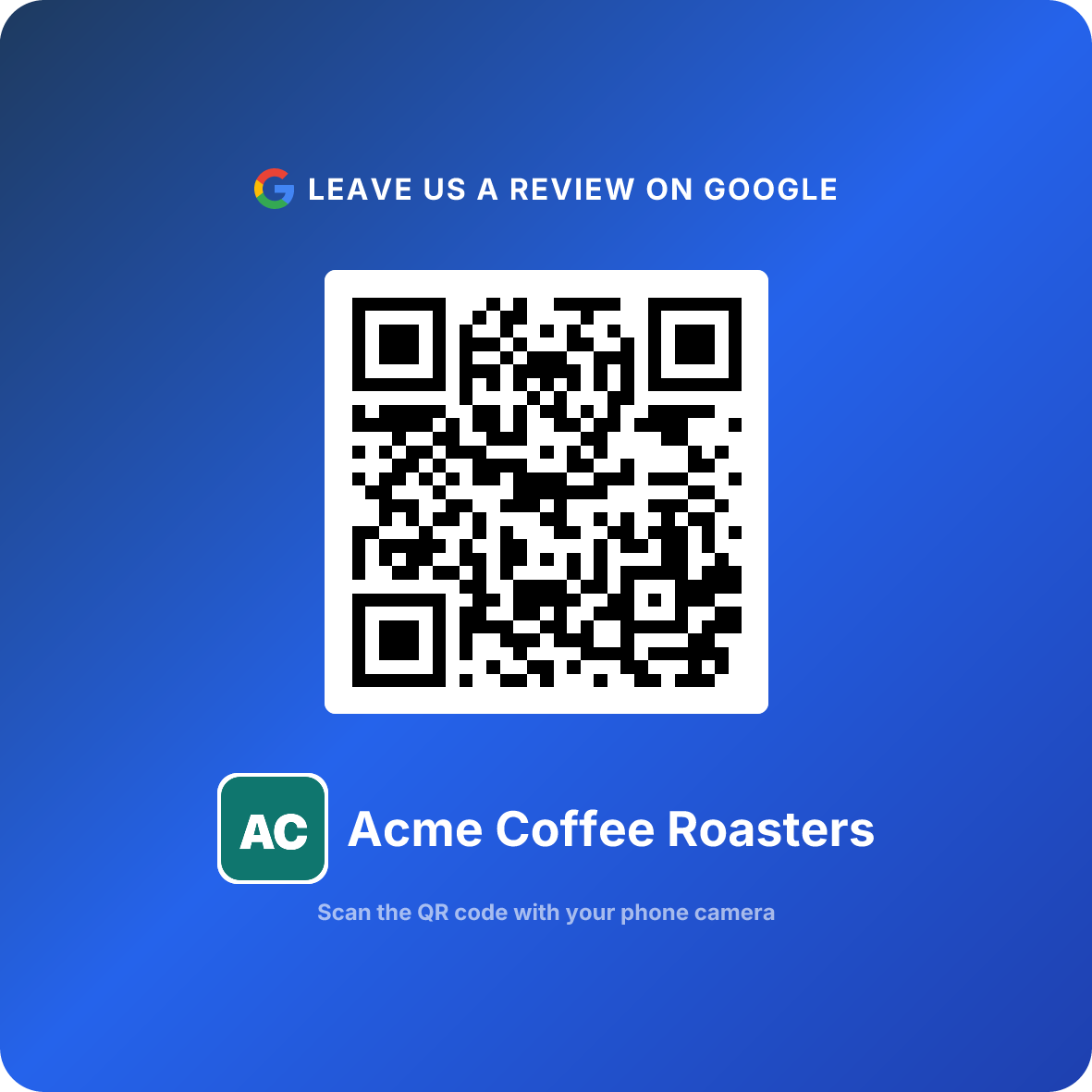
Your customer scans the QR code with their phone camera. Instantly, they're on your Google Business Profile review page. No typing, no navigating, no searching for your business name or address. They're there in one second.
No Forgotten Promises
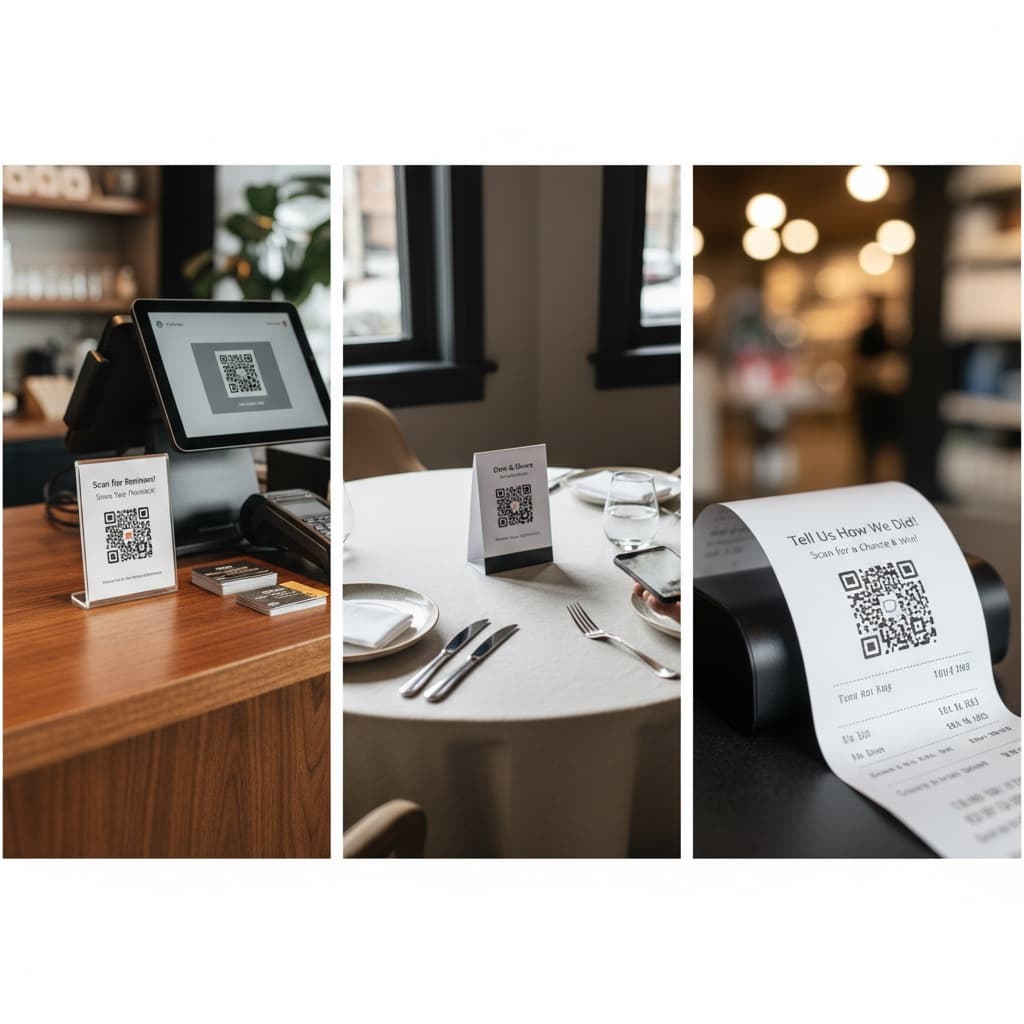
With a QR code visible every time the customer interacts with your business, they're reminded at the right moment. A receipt with a QR code reminds them as they leave. A table tent reminds them after they finish their meal. A bathroom decal reminds them while they wait.
No Waiting
The customer can review immediately if they want to. They don't have to go home and remember to pull out their phone and search later. The review happens now, when the experience is fresh and their satisfaction is highest.
No Staff Burden
Your team doesn't have to ask for reviews. No scripts, no training, no awkward moments. The QR code does the work passively. Staff can focus on serving customers well, knowing that the QR code is quietly doing its job.
No Friction = Higher Conversion
These differences combine to create a dramatic conversion difference:
Verbal ask: 10-15% conversion rate (customers who mean to review but forget)
Email or printed card: 5-8% conversion rate (even lower friction removal)
QR code: 8-12% conversion rate, consistently, without staff involvement
The QR code isn't just convenient -- it's reliable. It works the same way every single time, for every customer, whether your team is trained perfectly or not.
Expected Results from QR Code Implementation
Here's what a typical local business can expect after deploying QR codes properly:
90-Day Results by Business Type
Restaurants: 40-60 new reviews, average rating increase of 0.2-0.4 stars
Salons and Spas: 20-35 new reviews, with noticeable increase in positive comments about specific stylists
Service Businesses (Plumbing, HVAC, Electrical): 15-30 new reviews, with improved keyword diversity (customers mention specific services)
Retail Shops: 10-25 new reviews, depending on daily customer count
Professional Services (Dentists, Doctors, Therapists): 10-20 new reviews, with higher trust-building value per review
The variation depends on:
- Current customer volume. More customers = more opportunities to scan
- Placement consistency. Codes placed strategically in every customer interaction convert better
- Experience quality. QR codes don't fix bad customer experiences; they amplify good ones
- Staff training. If relevant, brief staff training on when/how to mention the code increases conversion slightly
Beyond Numbers: The Compounding Effect
The real benefit emerges over months. A business with 40 new reviews in 90 days now has 90 days of social proof that wasn't there before. Those reviews compound:
- Higher ranking in local search results
- More organic discovery
- More website traffic
- More customer inquiries
- More foot traffic
This creates a virtuous cycle. More reviews lead to more visibility, which leads to more customers, which leads to more opportunities to collect reviews.
Implementation Strategy by Business Type
Different businesses need different approaches. Let's break down your specific situation.
Restaurants and Food Businesses
Best placement: Check presenter inserts (highest conversion, 8-12%)
Secondary placement: Table tents on dining tables
Timing: After the meal is complete, during the payment window or while waiting for payment to process
Staff interaction: Minimal. Only mention the QR code if a customer gives genuine positive feedback
Expected results: 40-80 new reviews in 90 days for restaurants averaging 100+ covers per day
Pro tip: Restaurants with outdoor seating should also place QR codes on patio tables. Summer months often see higher conversion rates in outdoor areas.
Salons, Spas, and Personal Services
Best placement: At the checkout counter or payment point
Secondary placement: In client bathrooms (mirror decal or small sign)
Tertiary placement: On appointment confirmation emails
Staff interaction: Staff should mention it casually during checkout: "We'd love to know what you thought about your experience. You can scan this code right now or anytime."
Expected results: 20-35 new reviews in 90 days, depending on monthly client volume
Pro tip: Client retention improves when clients see their positive experiences turning into positive reviews. Feature reviews from long-time clients on your Instagram or website to encourage others.
Service Businesses (Plumbing, HVAC, Electrical, etc.)
Best placement: On the invoice or receipt left at the job site
Secondary placement: In a follow-up text or email (digital QR code)
Tertiary placement: On your company vehicle or van (if customers see it)
Staff interaction: Technician briefly mentions it: "We really appreciate reviews. You can scan this right now if you'd like to share your experience."
Expected results: 15-30 new reviews in 90 days, depending on monthly jobs
Pro tip: Service businesses benefit especially from reviews because they're location-dependent and depend on reputation. A technician who consistently mentions reviews during the job and leaves an invoice with a QR code will generate significantly more reviews than peers.
Retail Shops
Best placement: At the point of sale / checkout counter
Secondary placement: On receipts (POS integration)
Tertiary placement: In shopping bags (card insert)
Staff interaction: Optional brief mention: "Thanks for shopping with us. We'd appreciate your feedback."
Expected results: 10-25 new reviews in 90 days, depending on daily foot traffic
Pro tip: Retail customers often scan QR codes after arriving home. Including the code on a receipt or in the bag means they see it later, when they have more time to write a detailed review.
Professional Services (Dentists, Doctors, Therapists)
Best placement: At checkout after the appointment
Secondary placement: On appointment confirmation cards or letters
Tertiary placement: In follow-up email to patients
Staff interaction: Front desk staff: "We'd love to hear about your experience. Scan this code to leave a review."
Expected results: 10-20 new reviews in 90 days, depending on monthly patient volume
Pro tip: Professional service reviews have higher trust value. A single detailed review about a positive medical or dental experience is worth multiple retail reviews. Focus on review quality, not just quantity.
Proven Placement Tactics
High-Traffic Placements
Point of Sale / Checkout Counter: This is where almost every customer passes. The QR code is visible during a moment when they're pausing and thinking about the transaction they just completed.
Check Presenters or Invoices: For food and service businesses, the payment moment is peak receptivity. Place a card in the check presenter or on the invoice.
Receipt Bottom: Integrate a QR code into your POS system to print on receipts automatically. This works as a reinforcement if customers already saw it elsewhere.
Passive Awareness Placements
Table Tents or Signs: In restaurants, bars, salons, or waiting areas. Customers see these repeatedly during their visit. Many will scan during natural pauses.
Bathroom Decals or Mirror Signs: Bathroom visits are moments when customers are less mentally engaged. A small mirror decal with a QR code gets scanned.
Email and Digital Materials: Include a QR code in confirmation emails, appointment reminders, and follow-up communications.
Packaging and Take-Away Placements
Bag Inserts: Include a card with a QR code in shopping bags, takeout bags, or shipped packages.
Box Labels or Stickers: For shipped products or deliveries, include a small sticker or label with the QR code.
Thank You Cards: For high-value purchases or special orders, a handwritten thank-you note with the QR code adds a personal touch.
Measuring Success with Analytics
You need to know if your QR code strategy is working. This is where analytics becomes critical.
What to Track
Scan count: How many people scanned your QR code? ReviewQR's analytics show this daily, weekly, and monthly.
Scan-to-review conversion: How many scans translated to actual reviews? Divide new reviews by scans to get your conversion rate.
Review growth: Compare your Google review count before and after QR code deployment. A business collecting 5-10 reviews per month before QR codes should see 30-50+ per month after.
Rating stability: Did your average rating improve, stay the same, or decline? It should improve slightly as you collect more reviews from happy customers.
Review content: Read new reviews. Are they mentioning specific positive experiences? Are they detailed or short? Higher detail suggests customers are finding value in the review process.
Using Scan Analytics
ReviewQR includes scan analytics on every plan, showing:
- Total scans per day
- Total scans per week
- Peak scanning times (which placements are working?)
- Desktop vs. mobile scans
Cross-reference these with your Google Business Profile insights to see:
- How many reviews came in that week
- Average rating of new reviews
- How customer questions changed
This data tells you whether your strategy is working and where to optimize.
Benchmarks
- Healthy conversion: 8-12% of scans result in reviews
- Good visibility: 10+ scans per day for an average-traffic business
- Strong momentum: Review growth 3x higher than your pre-QR code baseline
If your scan count is high but conversions are low (less than 5%), your customer experience might need attention. If your scan count is low, try different placement locations.
Best Practices for Maximum Conversion
Design and Presentation
Use high-contrast colors. Black QR code on white background is most scannable. If you must use colors, maintain strong contrast.
Make it large enough. Minimum 1 inch x 1 inch, but ideally 2-3 inches. Large codes scan from farther away.
Include a clear call-to-action. Text like "Scan to Review" or "Share Your Experience" primes the customer for what they're about to do.
Keep design clean. Don't overdecorating around the QR code. Logos are fine next to it, but not on top of it.
Placement Strategy
Place codes at moment of peak satisfaction. In restaurants, this is during/after the meal. In salons, during checkout. In services, when the job is done.
Use multiple placements. One QR code in one location is good. Two or three strategic placements reach more customers and work as reinforcement.
Ensure visibility. Place codes at eye level, in high-traffic areas, in spaces where customers naturally pause.
Messaging and Staff Training
Keep messaging brief. "Scan to review" is enough. Don't over-explain.
Train staff lightly. If staff mention the code, it should be casual: "Feel free to scan to leave feedback." Not a hard sell.
Respect customer preference. Not every customer wants to leave a review. A QR code lets customers opt in without awkwardness.
Consistency
Keep codes in place constantly. The strength of QR codes is that they work every single day, every single customer. Don't remove them for seasons or special events.
Update codes if you change platforms. If you ever create a separate review page or move your Google Business Profile, update your QR codes. Old codes should not point to dead links.
Common Pitfalls and How to Avoid Them
Pitfall 1: Expecting Immediate Results
QR code results aren't instant. You'll see first reviews within 24-48 hours, but measurable traction takes 2-4 weeks. Significant results are visible at 90 days. Commit to the strategy for at least a month before evaluating.
Pitfall 2: Poor QR Code Design
If your QR code is pixelated, too small, low contrast, or poorly printed, it won't scan. Customers will try once, fail, and give up. Always print from high-resolution files. Test your codes before deploying them.
Pitfall 3: Placing Codes in Inconvenient Locations
A QR code on the back of a door, in the corner of a poster, or buried in fine print won't get scanned. Place codes where customers naturally have 5+ seconds of attention and visibility. Eye level, obvious, accessible.
Pitfall 4: Ignoring Your Google Business Profile
Creating QR codes and pointing them to an incomplete, outdated Google Business Profile undermines everything. Before launching QR codes, audit your profile:
- Is your address current?
- Are your hours accurate?
- Do you have recent photos?
- Is your business description complete?
A customer scans your code, lands on a neglected profile, and decides you're disorganized. This hurts more than it helps.
Pitfall 5: Only Relying on Passive Placement
For some businesses, a subtle staff mention during the interaction increases scans. A spa receptionist mentioning the code during checkout, a service technician leaving the invoice and pointing to the QR code, a restaurant manager mentioning it to a table that gave excellent feedback -- these light touches increase conversion without feeling pushy.
Pitfall 6: Not Responding to New Reviews
The worst thing you can do is drive review collection and then ignore the reviews that come in. Respond to every review, especially detailed ones and any negative ones. This shows customers that you care and signals to Google that your profile is active.
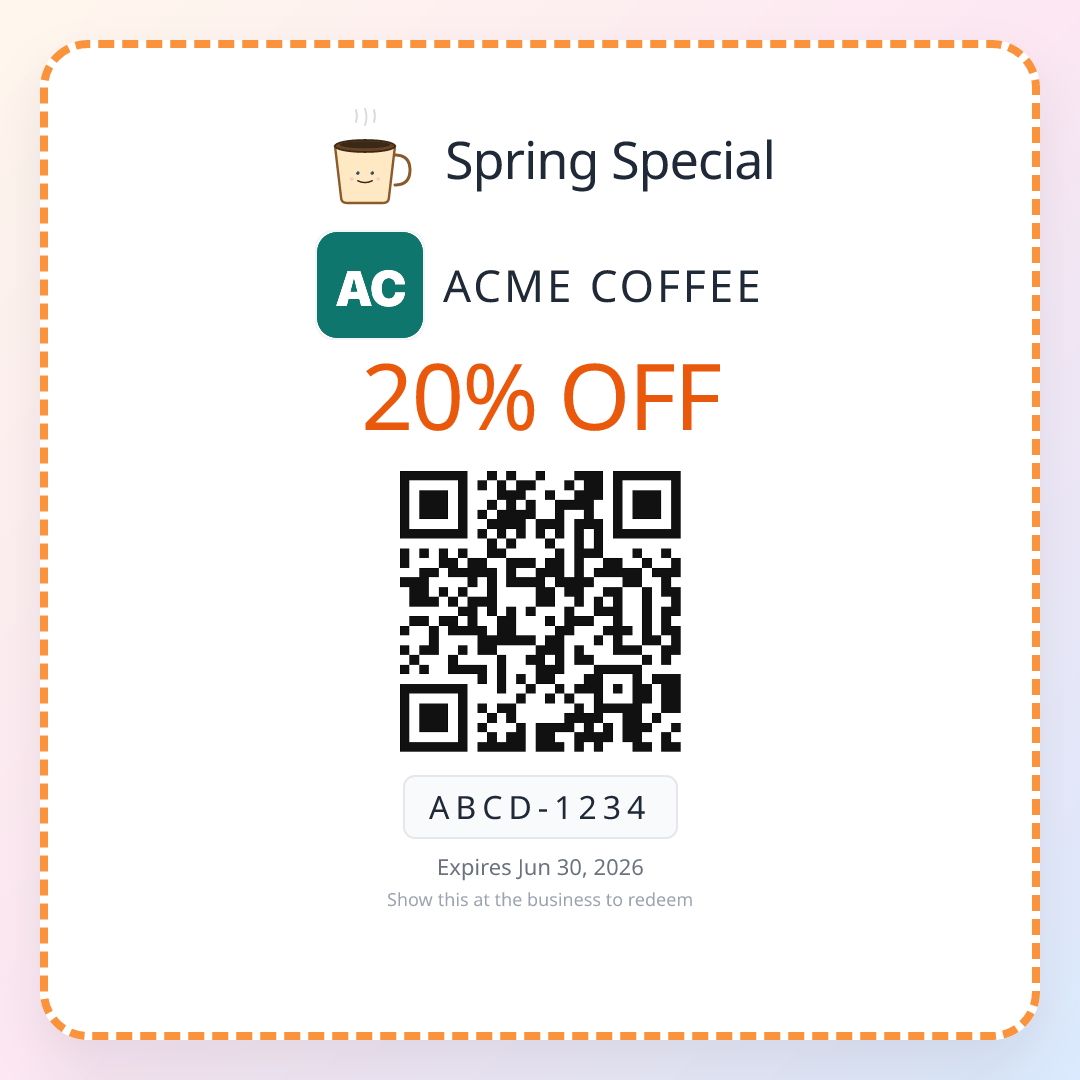
Once your QR code is reliably converting happy customers into reviews, you can use the same effortless scan-and-go mechanic to bring them back — drive repeat visits with QR coupons alongside your review collection.
Frequently Asked Questions
Why do local businesses struggle to collect reviews?
The friction is psychological and practical. After a transaction, customers mean to leave a review but never remember. They have to search for your business, navigate to the review page, and find the right place to write. A QR code removes all of this friction -- one scan and they're ready to review.
How many more reviews will a QR code strategy generate?
On average, businesses see 3-5x more reviews within 90 days of deploying QR codes. The exact number depends on your current review volume, customer traffic, and placement consistency. Restaurants typically see 40-60 new reviews in the first 90 days.
Does collecting more reviews hurt your average rating?
No. In practice, collecting more reviews tends to improve your overall rating. Happy customers who would never have taken the time to review now have an easy path. You collect many more five-star and four-star reviews than negative ones, improving your average.
What's the difference between a generic QR code and a review-specific one?
A review QR code is simply a QR code linked to your Google Business Profile review page. It's not special -- any QR code generator can create it. The value is in where you place it and how your customers interact with it.
How long does it take to see results from a QR code review strategy?
You'll typically see your first reviews within 24-48 hours of deployment. Significant results (measurable increase in review volume) become clear within 2-4 weeks. Full impact is visible at the 90-day mark.
Do older customers really use QR codes?
Yes. Every modern smartphone has a native camera app that scans QR codes without requiring an app download. Customers over 50 often appreciate QR codes because it's simpler than being asked to search for your business manually on Google.
Should we mention the QR code in training or just let customers discover it?
Both approaches work, depending on your business type. For restaurants, the passive approach works best -- place the QR code on the table and only mention it if a customer gives genuine positive feedback. For salons and service businesses, a brief staff mention during the visit can increase scans.
Keep reading
Review Us QR Code: Create, Display, and Track
Create a 'Review Us' QR code, design professional signage, choose high-converting placements, and track results with scan analytics. Free guide with real data.
guidesHow to Create a QR Code for Google Reviews (Free, No Expiry)
Step-by-step guide to creating a free QR code for Google reviews. Learn why QR codes outperform traditional methods and how to track results with analytics.
guidesHow to Get More Google Reviews: The 7 Moments That Work
How to get more Google reviews for your business without being pushy or breaking the rules: the seven moments when happy customers actually leave one, the direct review link, an eight-word script, the math of a QR code on the counter, and the mistakes that get reviews removed.