Introducing QR Coupons: Loyalty, Launches and Slow-Day Promos in One Tap
QR Coupons are live in ReviewQR — single-use coupon campaigns for loyalty, new launches, surplus stock, and quiet weekdays. Here's how to use them.
Introducing QR Coupons: Loyalty, Launches and Slow-Day Promos in One Tap
Turn one visit into many
Hand out single-use QR coupons that pull customers back through your door. Part of your Customer Comeback System. 14-day free trial, cancel anytime.
Create a couponToday we're shipping the biggest addition to ReviewQR since launch: QR Coupons.
Until now, ReviewQR did one thing — it turned the moment a customer was happiest into a Google review. That moment is still the asset. But every business owner we've talked to over the last six months kept asking the same follow-up question: what do I do with the customer once they've left the review?
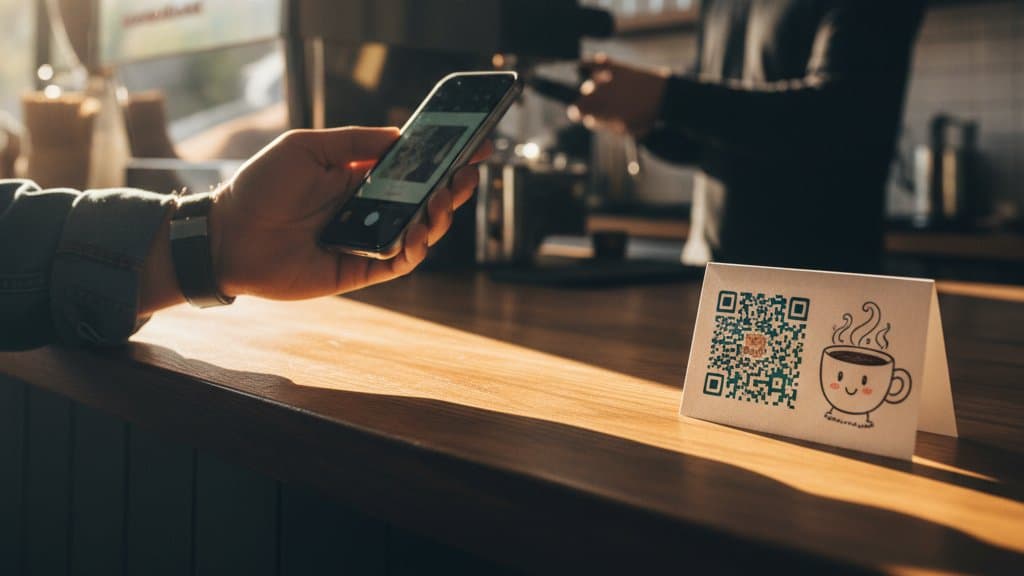
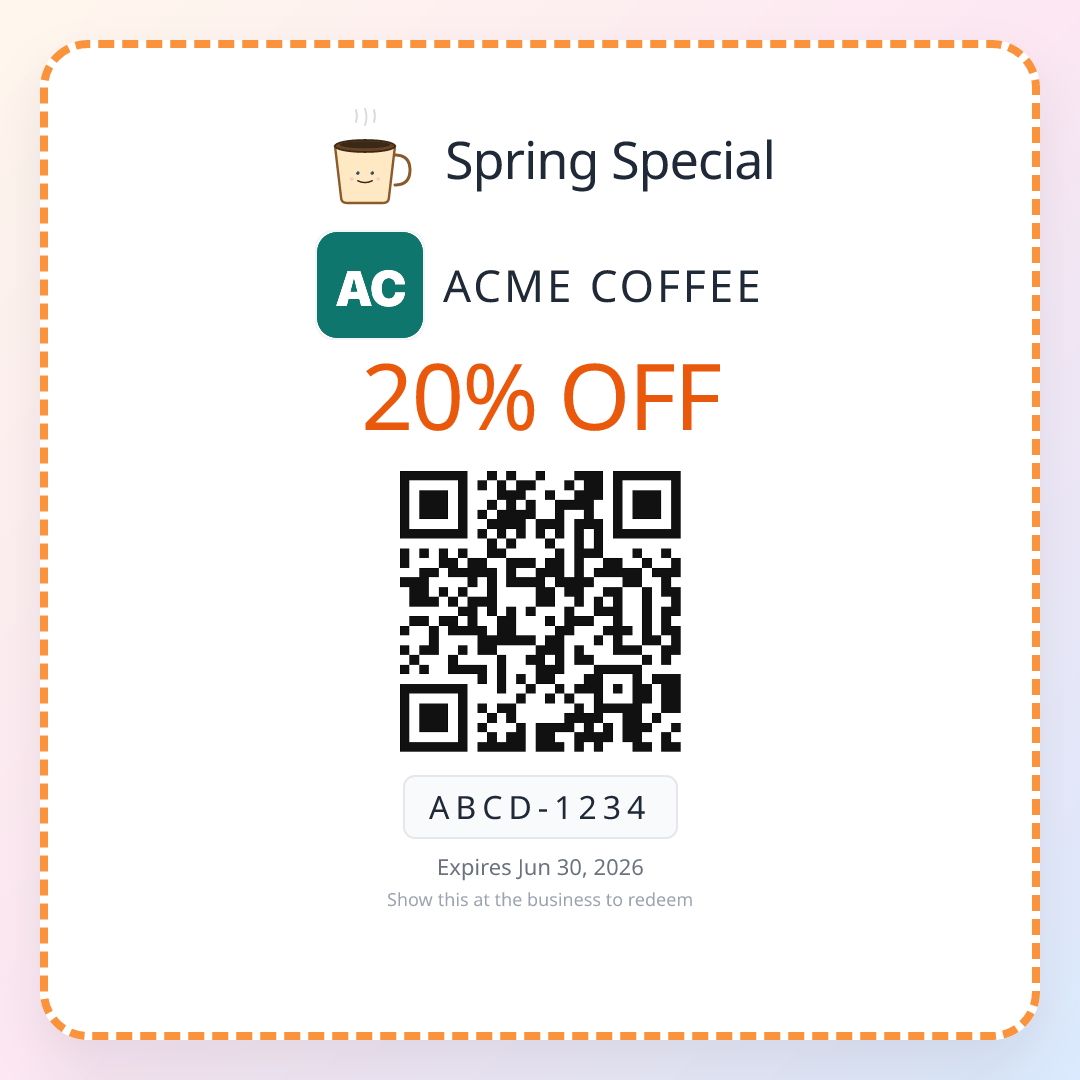
QR Coupons is our answer. From your dashboard, you can now spin up a single-use coupon campaign in under two minutes, print a sheet of QR stickers, and hand them out at the counter, in the bag, or by message. Each sticker is a unique code that can only be redeemed once — so no screenshots, no duplicates, no awkward "I already used that one" conversations.
This article walks through how the feature works and, more importantly, the seven angles you can run it through right now to drive repeat visits, launch new things, and refill quiet days.
How QR Coupons work
The mechanics are deliberately boring — that's the point.
Create a campaign
From /coupons → New Campaign. Pick a name, an offer, an expiry date, a mascot (we ship 12 hand-drawn ones — pizza, scissors, flower, coffee, ring, key…), and how many unique coupons you want.
Download or share
We generate a PDF sticker sheet (2×5 per A4 page) ready for any home or local printer. Or send individual coupons via WhatsApp, email, SMS or native share — each one a unique link.
Customer shows the code
They walk in with a sticker, a printed postcard, or a screenshot. They don't need an app, an account, or a download.
You scan and redeem
Open your phone camera, scan the QR, tap Redeem on the page that opens (you must be logged in as the campaign owner). The code is now used and can't be redeemed again.
The single-use guarantee is what unlocks the offers you've always wanted to run but couldn't. "Free coffee" stops being scary the moment you know it can only be claimed once per code, by the person standing in front of you.
1. Reward the customers who left you reviews
This is the use case we built the feature for first.
You already collect Google reviews with a QR code. Some percentage of your customers actually leave one. Until today, the relationship ended there — a five-star review, a quiet thank-you, and back to silence.
With QR Coupons, that becomes a loop:
- Customer scans your review QR.
- They leave a review.
- You hand them (or follow up with) a single-use coupon as a genuine thank-you — "Thanks for taking the time. This one's on us next visit."
A few important guardrails: this works as a thank-you for the behavior, not as payment for the review itself. Google's policy is clear that you cannot offer compensation in exchange for a review, and you cannot make rewards conditional on the review being positive. The coupon is for the relationship, not the rating.
Done right, it's the most natural retention mechanic a local business has. The customer already proved they liked you enough to vouch for you publicly. A thoughtful coupon turns a one-time fan into a repeat one.
2. Launch a new menu, product, or service
Every owner who's ever launched something new knows the awkward middle phase: the new dish is on the menu, the new service is on the website, but nobody's ordering it because nobody's tried it.
QR Coupons solve the cold-start problem cheaply.
- Restaurant launching a new menu: print 200 stickers — "50% off any new menu item, this week only" — and hand one out with every check.
- Salon adding a new treatment: "$25 off your first [new service] before May 15." Stick one to the back of every appointment card for the next two weeks.
- Auto detailer rolling out ceramic coating: "Free interior detail with any ceramic package booked by the end of the month." Glovebox card.
- Coffee shop testing a new pastry line: "Free pastry with any drink — first 100 only." Counter stickers.
The single-use mechanic is doing real work here. You're not running a discount in perpetuity — you're underwriting the first taste of a specific number of customers. After that, the offer is gone and the new item lives on its own merits.
Why coupons beat 'just put it on the menu'
A new item with no incentive depends entirely on customer curiosity. A new item with a single-use coupon depends on a customer holding a piece of paper that says "free." The second pile of customers is always larger, and they leave reviews mentioning the new thing — which then becomes its own marketing.
3. Move surplus stock before it costs you
This is the angle most operators underestimate, and it's the one with the cleanest ROI.
Every business with physical inventory has products that are about to cost you money instead of make you money:
- The florist with 30 bouquets that won't survive past Friday.
- The bakery with a tray of pastries at 4pm.
- The coffee roaster sitting on a single-origin lot that's about to fall outside the freshness window.
- The boutique with last season's pieces taking up rack space the new collection needs.
- The butcher or deli with cuts approaching their sell-by date.
Burning through surplus with a public discount trains every customer to wait for the markdown. A QR coupon doesn't.
Hand a single-use "50% off any bouquet today" sticker to the next ten people who walk past the shop window. Send a "Take any pastry on us with a drink — today only" coupon to your WhatsApp list. The discount is invisible to your full-price customers, redeemable once per code, and gone the moment your surplus is.
Turn one visit into many
Hand out single-use QR coupons that pull customers back through your door. Part of your Customer Comeback System. 14-day free trial, cancel anytime.
Create a coupon4. Refill slow days and dead hours
Every owner knows their dead window. For most restaurants it's Tuesday lunch. For salons, Wednesday morning. For gyms, the 2-4pm trough between the lunch crowd and the after-work rush.
A standing happy hour erodes margin every week, even on the days that didn't need it. A targeted, single-use QR coupon doesn't.
Print stickers like:
- "Free side with any entrée — Tuesday or Wednesday lunch only" (restaurant)
- "$15 off any service booked Mon–Wed before 1pm" (salon)
- "Bring a friend free — weekdays before 4pm" (gym)
Hand them out on the busy days. Customers self-select into your slow days because they're holding a coupon that only works then. Your peak revenue stays protected; your trough fills in.
Pair the slow-day coupon with the review thank-you (use case #1) for maximum effect. The customer who just reviewed you on a busy Saturday gets a coupon valid Monday–Wednesday. You're already converting your happiest customers into your weekday traffic.
5. Win back lapsed customers
You already know who hasn't been back in 90 days. They're in your booking software, your loyalty list, your email list, your phone. The reason most "we miss you" campaigns fail is that they're vague — a 10% off code in an email is hard to act on, easy to delete, and impossible to track.
A QR coupon sent over WhatsApp or email with a real offer ("Coffee on us — anytime in the next 30 days") lands differently. It's a single, specific link tied to one person, with a real deadline and a real number attached. They show it on their phone when they walk in. You scan and redeem.
This is the campaign that surprises owners the most when they run it. Customers you'd written off come back because the friction was just barely low enough — and once they're in, half of them spend more than the coupon is worth on adjacent items.
6. Build a real loyalty loop
Plastic punch cards die in wallets. App-based loyalty programs require a download nobody wants to do for a coffee shop. QR coupons give you a middle path that actually fits how local businesses work.
Two patterns we've seen working:
The "fifth visit" coupon
After a customer's fourth visit, hand them a single-use "Your fifth one's on us" sticker. No app, no card, no points balance to track. They show it on visit five and you scan it. The friction is the same as a punch card with none of the lost-card excuses.
The birthday coupon
Most booking and POS systems already have birthdays on file. A week before each one, send a personal coupon — "It's your birthday week. Free [signature item] anytime in the next seven days." Single-use, time-bound, and warm enough that customers genuinely talk about it.
Loyalty isn't a software problem. It's a small, frequent gesture problem. QR Coupons let you make the gesture without standing up a whole loyalty program.
7. Turn referrals into a system
Referrals happen. They just rarely happen on purpose, because most businesses make it awkward. "Tell a friend and we'll both get $10" is a sentence most owners hate saying.
A QR coupon makes the ask physical. Hand a regular three stickers — "Give one to a friend. Free haircut on us, single use, expires June 30" — and the asymmetry does the work. Your regular doesn't have to "refer" anyone, they just hand a sticker to someone who needed a haircut anyway. The friend walks in, you scan the QR, they're in your chair.
You get a measurable channel (count the redemptions), the regular gets to feel generous (they handed someone a free haircut), the friend gets a low-stakes way to try a new salon. Everyone wins, and nobody had to use the word "referral."
Designing an offer that actually converts
Three rules, learned the hard way watching the first wave of campaigns:
Do This
- ✓Make the offer specific and tangible — 'free coffee', '50% off any bouquet', '$25 off the new color treatment'
- ✓Add a real expiry date. Urgency drives redemption — 'this week only' beats 'sometime soon' every time
- ✓Pick one mascot per campaign so the printed stickers feel cohesive and on-brand
- ✓Print on matte cardstock if you can — glossy looks cheap, matte feels like a premium gift
Avoid This
- ✕Don't run vague offers like 'come back soon for a treat' — they don't convert because there's nothing concrete to claim
- ✕Don't make coupons conditional on a positive Google review — that violates Google's policy and can get your profile penalized
- ✕Don't print thousands at once for your first campaign. Start with 50–100, see what redeems, iterate the offer
- ✕Don't forget to brief your team — every staff member needs to know how to scan and redeem before you hand out the first sticker
The three campaigns to run in your first month
- Thank-you coupons for everyone who leaves you a Google review this month — single sticker, free signature item, 30-day expiry.
- Slow-day refill — 50–100 stickers handed out on your busiest day, redeemable only on your slowest.
- One launch or surplus campaign — pick the new thing you've been trying to push, or the inventory you need to move, and underwrite the first 100 trials.
Three campaigns, ~250 stickers, under $30 in printing. Most owners see it pay for itself inside the first week.
Quick start: live in ten minutes
Start your ReviewQR trial if you haven't already
QR Coupons are part of the Essentials plan ($10/month, 14-day free trial). The same plan unlocks the analytics dashboard and unlimited QR codes.
Open the Coupons page
From your dashboard, click the orange '🎟️ QR Coupon Campaigns' card. First-time users land on a short walkthrough.
Create your first campaign
Name it, write the offer in plain English, set an expiry date, pick a mascot, and choose how many coupons you want (start with 50).
Download the PDF and print
A4 sheet, 2×5 stickers per page. Any local print shop will turn it around in 24 hours, or print at home on sticker paper.
Brief your team and start handing them out
Every staff member needs to know to scan with their phone camera, log in, and tap Redeem. Practice on one sticker before you go live.
If you're not yet using ReviewQR for reviews, the Google review QR code generator is the place to start — set up your Google review QR first, then layer coupons on top once you've got the review loop running. For the broader playbook on placing QR codes in your business, see our QR code for business reviews guide.
Frequently asked questions
What are QR Coupons in ReviewQR?
QR Coupons are single-use discount campaigns you create from your ReviewQR dashboard. You pick a mascot, set the offer and expiry, and we generate a printable PDF sheet of unique QR stickers — each code can be redeemed once, in person, when you scan it on your phone.
Who can use QR Coupons?
QR Coupons are part of the Essentials plan ($10/month). Essentials users can create up to 100 single-use coupons in any rolling 30-day window, split across however many campaigns you want. Every plan starts with a 14-day free trial, so you can run your first campaign before the first bill. Growth ($25/month) raises the limit to 500 coupons.
How do customers redeem a QR coupon?
The customer never installs anything. They show you the printed sticker, postcard, or screenshot. You scan the QR code with your phone camera, the coupon page opens, you tap Redeem, and it's marked used. The next time the same code is scanned it shows as already redeemed.
Can I use QR coupons to thank customers who left a Google review?
Yes — that's one of the most popular use cases. After a customer leaves a review, hand them a single-use coupon as a thank-you (not as payment for the review, which violates Google's policy). It rewards the behavior you want and gives them a reason to come back.
What kind of offers work best on a single-use QR coupon?
Anything tangible and time-bound: a free coffee with any pastry, 20% off the new menu through Sunday, a free wash with any detail this week, buy-one-get-one on the surplus bouquets you need to move. Vague offers ("come back soon!") don't convert — specific, single-redemption offers do.
Do the QR coupon stickers need to be printed?
Printing is the highest-converting format — you get a downloadable PDF with a 2×5 sticker grid per A4 page — but you can also share each individual coupon by WhatsApp, email, or any messaging app. Most owners do both: print for in-store, send digitally for win-back.
Ready to Implement This Strategy?
Create your custom QR code in 2 minutes and start collecting Google reviews today.
Create Your QR Code NowMore Google Review Guides
QR Code Coupons for Barber Shops: Close the 3-Week Fade Window
Single-use QR coupons built for the barber calendar. Slow-day fade refresh, 14-day return discount, buddy-cut referral. With chair-side scripts, economics, and a 6-minute setup.
Beauty & WellnessQR Code Coupons for Salons and Spas: Close the Re-Booking Gap
Single-use QR coupons designed for the salon calendar — pre-book at the chair, defend color clients, slow-day refill, stylist-led referrals. With economics and a step-by-step setup.
guides23 Coupon Ideas for Small Business: Win Customers, Boost Sales, Build Loyalty
23 proven coupon ideas for small business — grouped by goal: attract new customers, raise the average sale, and turn first-timers into regulars. Plus how to keep them margin-safe.