Auto Detailing Google Reviews: QR Code Guide
Collect more Google reviews for your detailing shop with QR codes. Covers dashboard hangers, waiting area displays, and mobile detailing strategies.
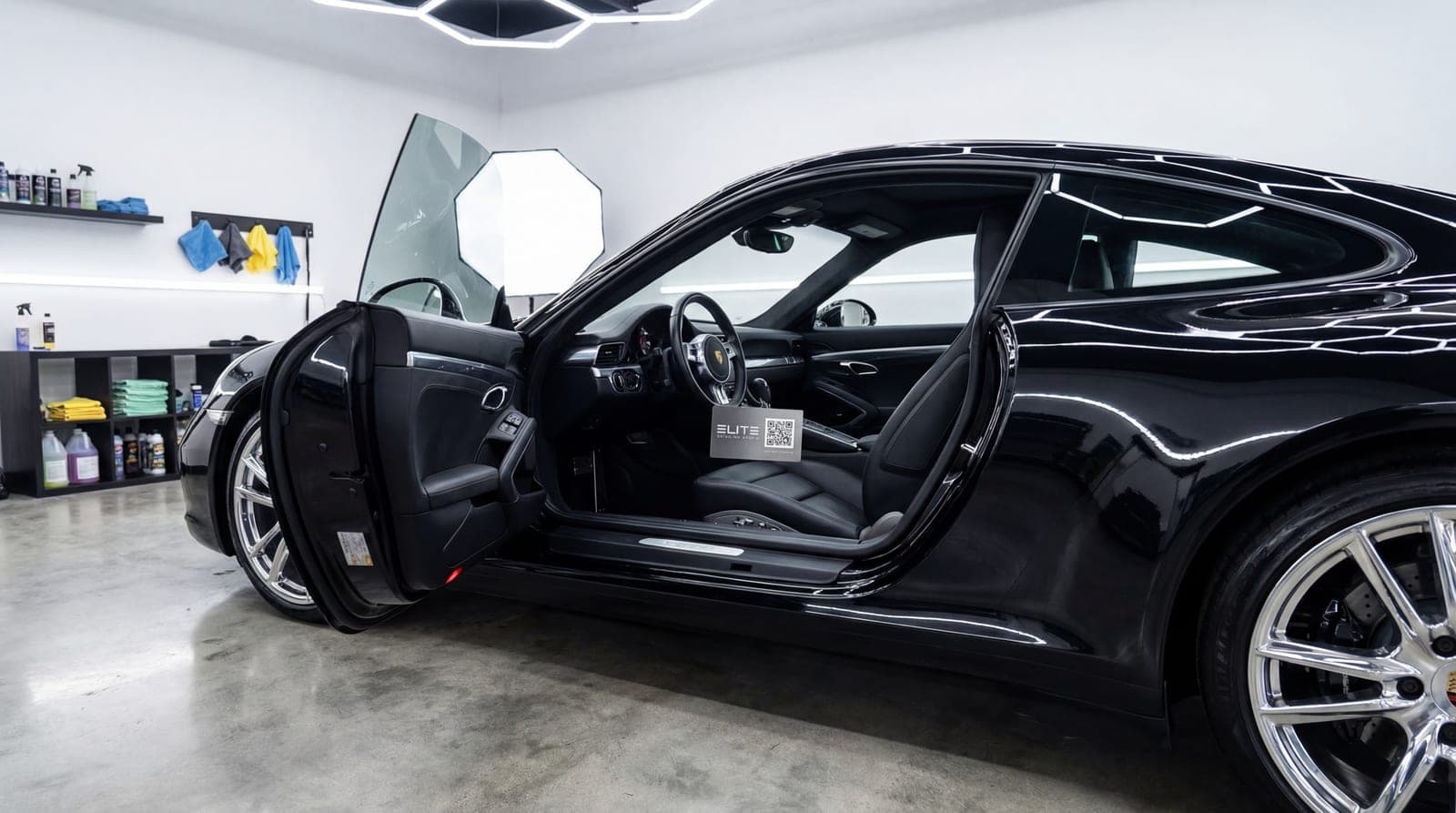
How Auto Detailing Shops Can Get More Google Reviews with QR Codes
You hand back the keys. The customer walks toward their car, and you watch their face. There's always a pause — that half-second where they stop walking because their brain hasn't matched the car in front of them to the one they dropped off this morning. The paint is glossy. The wheels are black again. The interior smells like it did the day they drove it off the lot.
Then comes the reaction. They circle the car slowly. They run a finger along the fender. They open the door, lean in, and just look. "This doesn't even look like my car."
That reaction — that genuine, unscripted moment of surprise — is the single most valuable marketing asset your detailing business will ever produce. And right now, you're letting it walk off the lot without capturing a word of it.
A QR code placed on the dashboard changes that. One scan while the customer is still circling their car, still in disbelief, and that emotional peak becomes a permanent Google review that sells your next hundred details.
Why a Detailer Lives and Dies by Reviews
People hand you their cars. For most customers, that's the second most expensive thing they own. They're trusting a stranger with a machine worth $20,000 to $80,000 — and they're paying $200 to $500 for the privilege.
That's a trust gap the size of a canyon. And the only bridge across it is Google reviews.
When someone searches "auto detailing near me," Google shows three results in the local pack. Those three spots get the majority of all clicks. The detailer with 140 reviews at 4.8 stars will always win over the one with 18 reviews at 4.5 — even if the second shop does equally flawless work. Reviews aren't just nice to have in this industry. They're the difference between a packed schedule and empty bays.
Here's the hidden math: 87% of detailing customers start their search online. If you're not the most-reviewed shop in your area, you're invisible to most of them before they even look at your prices or portfolio.
Unlike restaurants, where the experience happens in your space, or salons, where the customer watches the transformation in real time, detailing has a unique challenge: the customer usually drops the car off and leaves. By the time they return, the detail is done and the only proof of your work is the car itself.
That's actually an advantage — because the reveal is compressed into a single, shocking moment.
The Walkthrough Reveal: Your 30-Second Window
Every service industry has its emotional peak. Flower shops have the delivery surprise. Jewelry stores have the unboxing moment. For auto detailers, it's the Walkthrough Reveal — the 30 seconds when a customer first lays eyes on their freshly detailed car.
This moment is uniquely powerful because of the contrast effect. The customer remembers their car as it was: the coffee stains, the dog hair, the swirl marks, the winter grime. Now they're looking at something that resembles a showroom vehicle. The gap between expectation and reality creates genuine emotional surprise.
During the Walkthrough Reveal, your customer is:
- Physically circling the car, examining every surface
- Genuinely impressed — often visibly surprised
- Already reaching for their phone to take a photo or text someone
- Standing right next to your work, the evidence of quality surrounding them
- Feeling relieved that they made the right choice trusting you
The Walkthrough Reveal is your review window. Miss it, and the emotion fades by the time the customer gets home. Capture it with a well-placed QR code, and you convert that surprise into a permanent five-star review.
The key is passive placement, not a verbal pitch. A card on the dashboard or a text with a before-and-after photo lets the customer act on their own excitement. Never pressure them during the reveal — they're already in the perfect emotional state. Just make the QR code easy to find.
Where to Place QR Codes
The right placement depends on whether you run a fixed shop or a mobile operation, but some placements work across both.
Dashboard Card (Highest Conversion)
A small branded card placed on the dashboard or driver's seat, positioned so the customer sees it the moment they open the door. This is the single best placement for any detailing business.
Format: A business-card-sized card (3.5" x 2") on quality stock. Your logo on one side, QR code on the other with a line like "Love the results? We'd love to hear about it."
Why it works: The customer opens their freshly detailed car, smells the clean interior, sees the spotless dashboard — and right there is your card. They're inside the transformation. The phone is already in their hand.
Conversion rate: 15-22%
Waiting Area Display
For shops with a customer lounge, a small acrylic stand or framed sign near the seating area. Customers waiting for express services or watching through the window see it during downtime.
Best placement: Next to the coffee machine or mounted near the viewing window where customers watch their car being worked on.
Conversion rate: 8-12%
Checkout Counter
A counter display near the register catches customers during the final transaction. They're already satisfied — they've seen the car, they're paying happily, and a QR code at the register gives them a 10-second way to share that satisfaction.
Conversion rate: 6-10%
Follow-Up Text Message
For every customer, a text sent 2 hours after pickup with a before-and-after photo and a short review link. This is your safety net for anyone who missed the physical QR code.
Why 2 hours: Soon enough that the experience is fresh, late enough that they've had time to show the car to someone. That conversation — "look what they did to my car" — often triggers the impulse to review.
Conversion rate: 8-14%
Vehicle Delivery Folder
For premium details (full corrections, ceramic coatings), include a branded folder with care instructions, product information, and a QR code card. Customers who invest $500+ in a detail keep these folders and often review days later when they reference the care guide.
Conversion rate: 10-16%
The Before-and-After Advantage
Auto detailing has a built-in marketing weapon that almost no other local service can match: the visual before-and-after.
A dirty car transforming into a showroom-quality vehicle is one of the most shareable formats on social media. Detailers already know this — most use before-and-after photos on Instagram and TikTok. But very few connect that visual proof to their review strategy.
Here's how to bridge that gap:
1. Photograph every job. Take a quick photo before you start and another after completion. Same angle, same lighting. This takes 30 seconds and creates a powerful asset.
2. Text the comparison with your review link. Two hours after pickup, send a text: "Here's what we started with and where we ended up. Glad we could bring your [car model] back to life! If you have a moment, we'd love a quick review: [QR link]"
3. The numbers speak for themselves. Detailers who include before-and-after photos in their review request see roughly 2x the conversion rate compared to a plain text request. The photo re-triggers the emotional response from the Walkthrough Reveal.
The Before-and-After Text Formula
A simple template that works:
"Hi [name]! Here's the transformation on your [car model] today. [Before photo] → [After photo]. We loved working on this one. If you have 30 seconds, a Google review helps us more than you'd think: [link]. Thanks for trusting us with your ride!"
Keep it personal. Mention their car model. Send the actual photos. The specificity shows you care about their car, not just their review.
Shop vs Mobile Detailing: Two Playbooks
Fixed shops and mobile detailers face the same review challenge — converting happy customers into written reviews — but the tactics differ significantly.
Fixed Shop Strategy
You have a physical location, a waiting area, and a checkout counter. You control the environment. Multiple QR touchpoints work together: the waiting area plants the seed, the dashboard card catches the reveal moment, and the checkout counter provides a final opportunity.
Do This
- ✓Place a dashboard card on every finished vehicle — no exceptions
- ✓Mount a QR display in the waiting area near the viewing window
- ✓Have a counter display at checkout as a backup touchpoint
- ✓Send a follow-up text with before-and-after photos 2 hours after pickup
Avoid This
- ✕Ask for reviews verbally while the customer is paying
- ✕Put QR codes in the bay area where they'll get dirty or damaged
- ✕Rely only on the waiting area — most reviews come from the dashboard card
- ✕Forget to restock dashboard cards during busy periods
Mobile Detailing Strategy
You have no storefront, no waiting area, no counter. The customer isn't even there while you work. This makes the dashboard card and follow-up text absolutely critical — they're your only review touchpoints.
Do This
- ✓Leave a branded card on the dashboard or driver's seat of every vehicle
- ✓Text a before-and-after photo with a review link within 2 hours
- ✓Include a QR code on your business card — hand it to the customer at booking
- ✓Add a QR review link to your digital invoice or payment confirmation
Avoid This
- ✕Leave the car without placing a review card — this is your only physical touchpoint
- ✕Wait more than 4 hours for the follow-up text — the excitement fades fast
- ✕Use a generic card that doesn't match your brand
- ✕Skip the photo — a before-and-after in the text doubles conversion rates
Mobile detailers have a secret advantage: the customer returns to their car in their own driveway or office parking lot. Neighbors and coworkers see the freshly detailed car, ask about it, and the customer pulls out their phone to show photos. Your dashboard card is sitting right there during this organic word-of-mouth moment.
Case Study: Pristine Auto Detail, Tampa FL
Pristine Auto Detail is a two-bay shop in Tampa with a team of three detailers. They also run a mobile unit for fleet accounts and residential customers. Before implementing QR codes, they had 27 Google reviews accumulated over three years. Their rating was 4.4 stars.
The owner, Marcus, knew his work was top-tier — repeat customers told him constantly. But those compliments never translated into online reviews. New customers would call and say "I almost went with the other guy, but you had more reviews." Marcus realized he was losing potential customers he never even knew about.
What they did:
- Designed a dashboard card on matte black stock with their logo and a white QR code. Simple message: "Glad we could bring it back. Tell us about it."
- Placed an acrylic QR stand next to the coffee machine in the waiting area
- Started photographing every detail (before and after) and texting the comparison with a review link 2 hours after pickup
- Added the QR code to their digital invoices sent via Square
Results after 6 months:
The dashboard cards drove 45% of all new reviews. The before-and-after text follow-ups contributed another 35%. The waiting area and invoice QR codes accounted for the remaining 20%.
"The before-and-after text is a game changer. Customers reply to the text saying 'Wow, I forgot how bad it looked before.' And then they leave a review right there in the thread. We went from begging friends and family for reviews to getting 5-6 new ones every week without saying a word."
— Marcus, Owner of Pristine Auto Detail, Tampa
The most significant business impact: Pristine now ranks #1 in the local pack for "auto detailing Tampa" and "car detail Tampa." Marcus added a second mobile unit to handle the increased demand.
Seasonal Strategies: Spring Through Winter
Auto detailing follows a predictable seasonal rhythm, and each season brings a different type of customer — with a different emotional trigger for leaving a review.
Spring: The Great Cleanup (March — May)
Your busiest season starts here. Customers bring in cars caked with winter salt, road grime, and months of neglect. The before-and-after contrast is at its most dramatic during spring.
Why spring reviews are gold: The transformation is extreme. A car that looked abandoned comes back looking new. These reviews tend to be the most descriptive and enthusiastic of the year.
Strategy: Full coverage on every spring detail. Dashboard card, follow-up text with photos, and a seasonal message: "Winter's over, and so is the damage. Enjoy the fresh start."
Summer: Road Trip Season (June — August)
Families booking pre-vacation details are excited and in a good mood. They're prepping for a trip, which means they're already in a "life is good" mindset. Reviews from summer customers tend to be warm and grateful.
Strategy: Dashboard cards and follow-up texts. Consider timing the text for the morning after pickup: "All set for the road. Enjoy the trip — and if you have a second, we'd love a quick review."
Fall: Pre-Sale Season (September — November)
Customers detailing their car before a private sale are making a calculated investment. When detailing adds $500-$2,000 to the sale price on a $200 detail, they feel smart and satisfied. These customers leave reviews that mention ROI — incredibly persuasive for future buyers.
Strategy: After the detail, follow up a week later: "How'd the sale go? If the detail helped, we'd love to hear about it." Timing the ask after the successful sale connects the review to a tangible result.
Winter: Gift Cards and Recovery (December — February)
Two opportunities: holiday gift card redemptions and post-winter maintenance details. Gift card recipients are inherently positive — someone gave them a gift, they had a great experience, and they feel grateful.
Strategy: Gift card customers get the same dashboard card plus a warmer message: "Someone thought you deserved this. If they were right, we'd love to hear about it." For winter maintenance details, emphasize the protection angle in follow-up: "Your car is sealed and ready for whatever winter throws at it."
Front-load your review collection during spring. The surge of dramatic before-and-after transformations builds a review buffer that sustains your ranking through slower months. A strong spring can generate 30-40% of your annual reviews.
Ceramic Coatings and Premium Services
Premium services — ceramic coatings, paint corrections, full interior restorations — represent your highest-value review opportunities. A customer spending $800 to $2,000 on a ceramic coating is deeply invested in the outcome. When it exceeds their expectations, the review they leave reflects that investment.
Why premium reviews carry extra weight:
- They're more detailed — customers describe the process, the finish, and the results
- They mention specific services — "ceramic coating," "paint correction," "full interior restoration" — which helps your Google Business Profile rank for those terms
- They signal quality over price — future customers reading about a $1,200 ceramic coating see a business that attracts serious clients
- They often include photos — premium customers love showing off the results
Strategy for premium services:
Include a branded care folder with every premium detail. Inside: care instructions, product information, a maintenance schedule, and your QR review card. This folder lives in the customer's glove box for months, providing a long-tail review opportunity every time they open it.
For ceramic coatings specifically, send a follow-up email at three milestones:
- Day after application: "Your coating is curing beautifully. Here's what to expect this week."
- Two weeks later: "How's the coating holding up? Enjoying the water beading?"
- One month later: "It's been a month since your ceramic coating. If you're still loving the results, we'd be honored if you shared your experience."
The third email, timed after the customer has lived with the coating through rain and daily driving, consistently generates the most detailed reviews.
How to Handle Negative Reviews
Even the best detailers get the occasional negative review. A missed spot, a miscommunication about pricing, a scratch the customer thinks you caused. How you respond matters as much as the review itself — 97% of people who read reviews also read the business response.
The Response Framework
For negative reviews:
- Respond within 24 hours. Speed signals that you care.
- Acknowledge the concern. Don't get defensive. "We're sorry your experience didn't meet our standards."
- Take it offline. "We'd like to make this right. Please call us at [number] so we can discuss this directly."
- Follow through. Actually fix the problem. Many customers update their review after a good resolution.
For positive reviews:
- Thank them by name. "Thanks, Mike! Glad the interior came out the way you wanted."
- Be specific. Reference their car or service. "That black F-150 was a satisfying one to detail."
- Keep it short. Two sentences is enough. Don't turn it into a sales pitch.
The best defense against occasional negative reviews is volume. A steady stream of positive reviews from your QR code strategy naturally buries the rare negative one and keeps your overall rating high.
Setup Guide: Running by This Weekend
Here's how to implement a complete QR code review system in one afternoon.
Implementation Steps
- 1
Generate your QR code
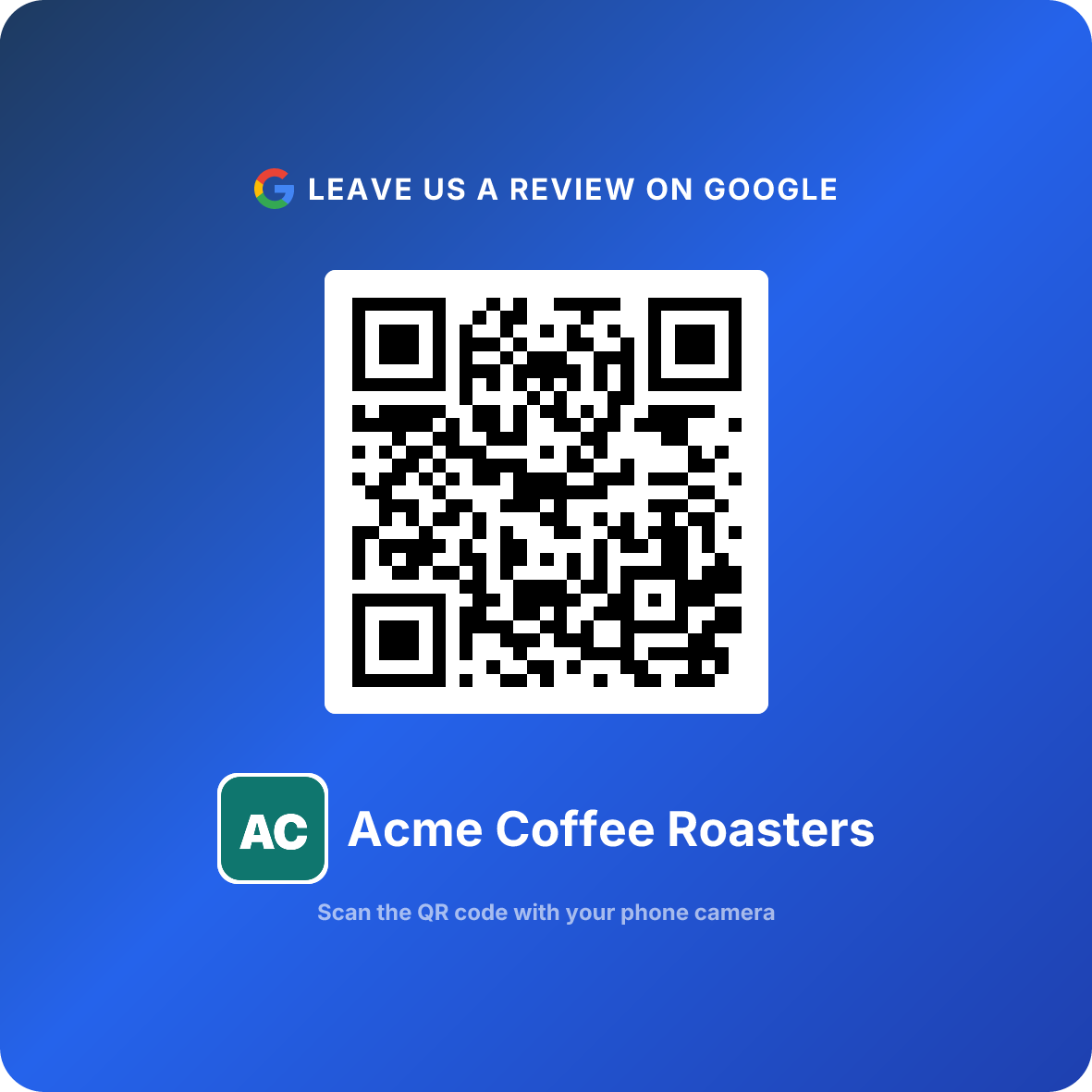
Use the ReviewQR generator to create a QR code linked directly to your Google review page. Download the high-resolution file. Takes 2 minutes.
- 2
Design your dashboard card
Create a card that matches your brand. For detailing, darker colors (black, dark gray, navy) work well — they match the automotive aesthetic. Include your logo, QR code, and a short message.
- 3
Print a starter batch
Print 100-200 dashboard cards. Matte stock holds up better in cars than glossy (less glare, more premium feel). Most local print shops offer 24-48 hour turnaround.
- 4
Set up your photo workflow
Before every detail, take a quick phone photo of the dirtiest areas. After the detail, take the same angles. Save them in a folder by customer name or date.
- 5
Create your follow-up text template
Write one text template with a placeholder for the customer's name and car model. Attach the before-and-after photos and your review link. Schedule it for 2 hours after pickup.
- 6
Brief your team
5-minute meeting: every finished car gets a dashboard card on the driver's seat. Every customer gets a follow-up text with photos. No exceptions.
You can create your QR code now and have dashboard cards printed before the weekend.
Expected Results
Based on data from auto detailing shops and mobile detailers using QR code review strategies:
Detailers who combine dashboard cards with before-and-after photo follow-ups consistently hit the upper end of these ranges. The photo is the multiplier — it re-triggers the Walkthrough Reveal emotion and gives the customer a visual reminder of why your work deserves a review.
Your Review Growth Timeline
The compounding effect is real. Every review improves your local ranking, which brings more customers, which generates more reviews. A detailer who starts with 20 reviews and adds 10-15 per month will pass most local competitors within a single quarter.
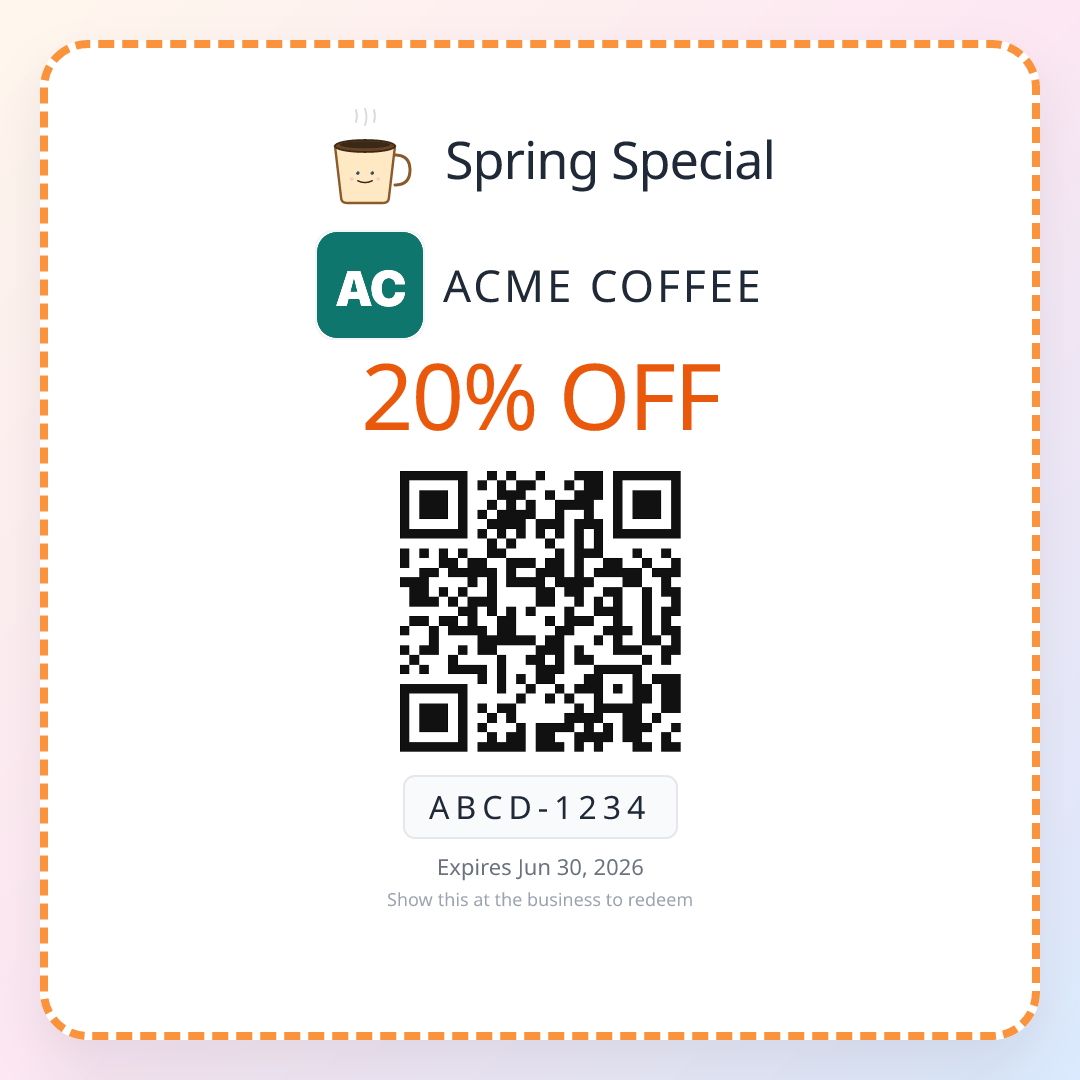
Detailing is a repeat service — cars get dirty again. After a customer leaves a review off the Walkthrough Reveal, drop a QR coupon on the dashboard for their next detail and turn a one-time wow into a standing appointment.
Create Your Detailing Shop QR Code Now
Frequently Asked Questions
When is the best time to ask a detailing customer for a Google review?
The moment they see their car for the first time after the detail — the Walkthrough Reveal. Their car went in dirty and came out looking showroom-new. That 30-second window of genuine surprise is when a QR code converts at 15-22%. A dashboard hanger or a card on the driver's seat catches them right at that peak.
How do I get Google reviews for my mobile detailing business?
Place a branded review card on the dashboard or driver's seat before you finish. The customer discovers it when they return to their car. Follow up with a text message 2 hours later that includes a photo of the finished detail and your review link. Mobile detailers using both touchpoints report 12-18% conversion rates.
Is it against Google's policy to offer a discount for detailing reviews?
Yes. Google strictly prohibits incentivized reviews. You cannot offer discounts, free add-ons, or loyalty points in exchange for a review. What you can do is make leaving a review effortless with a well-placed QR code. The before-and-after transformation is all the motivation most customers need.
Where should I put a review QR code in my detailing shop?
The highest-converting placement is a card left on the dashboard or driver's seat — the customer finds it during their first moment back in the car. Secondary placements include the waiting area, checkout counter, and follow-up text messages. Multiple touchpoints increase total scan rates.
Do before-and-after photos help get more detailing reviews?
Absolutely. Texting a before-and-after photo alongside your review QR link increases conversion by roughly 2x compared to a plain text request. The photo reminds the customer exactly how dramatic the transformation was, reigniting the emotional response that drives reviews.
How many Google reviews can an auto detailing shop expect in 6 months?
A shop detailing 60-100 vehicles per month can realistically collect 50-90 new reviews in six months with QR codes at every touchpoint. Shops that capture a spring season peak and pair QR cards with before-and-after photo follow-ups consistently outperform that range.
Keep reading
Google Reviews for Auto Repair Shops: QR Code Playbook
How mechanic shops turn the relief of a fixed car into Google reviews — glovebox cards, service advisor scripts, and QR code placements that work.
AutomotiveQR Code Coupons for Auto Detailing: The Quarterly Reset Playbook
How auto detailing shops turn a one-time full detail into a quarterly habit with single-use QR coupons handed at the reveal. Unit-economics math, three plays, placement geometry, scripts, and a 6-minute setup.
AutomotiveQR Code Coupons for Car Washes: Close the Member-vs-Drifter Gap
How indie car wash operators use single-use QR coupons after rain weeks, at the bay exit, and on the receipt to close the gap between membership frequency and drifter frequency. With math, scripts, and a 6-minute setup.