Spring Clean Your Online Reputation with a QR Code
Boost your Google reviews this spring. Learn how to create a review QR code in 60 seconds, where to place it, and seasonal strategies that drive 3-5x more reviews.

Turn happy customers into reviews
A Google review QR code that gets you more reviews in one scan. Included in every plan.
Get my review QR codeSpring is when most local businesses deep-clean the shop, refresh the menu, and update the window display. But there's one thing that almost nobody touches: their online reputation.
Right now, your Google listing is the first thing new customers see. And if your last review is from November, it sends a message — just not the one you want.
This spring, there's a fix that takes less than 60 seconds: a Google review QR code.
Why Spring Is the Best Time to Fix Your Reviews
There's a reason spring cleaning exists. Winter is slow, habits get lazy, and things pile up. Your Google reviews are no different.
Here's what happens between November and March at most local businesses:
- Review volume drops 30-40% (fewer customers, less foot traffic)
- Your most recent reviews age out of the "recent" window
- Competitors who stayed active now outrank you in local search
Spring reverses all of that. Foot traffic climbs. People are out spending again. And they're in a better mood — which matters more than you think. Happy customers leave better reviews. The seasonal energy shift is real, and smart businesses ride it.
If you set up a review QR code now, you'll catch the wave of spring and summer traffic at its peak. Wait until June and you've already missed the ramp-up.
Google's algorithm favors recent reviews. A burst of fresh spring reviews signals to Google that your business is active, which can boost your local search ranking heading into summer — your busiest season.
What a Review QR Code Does (and Why It Works)
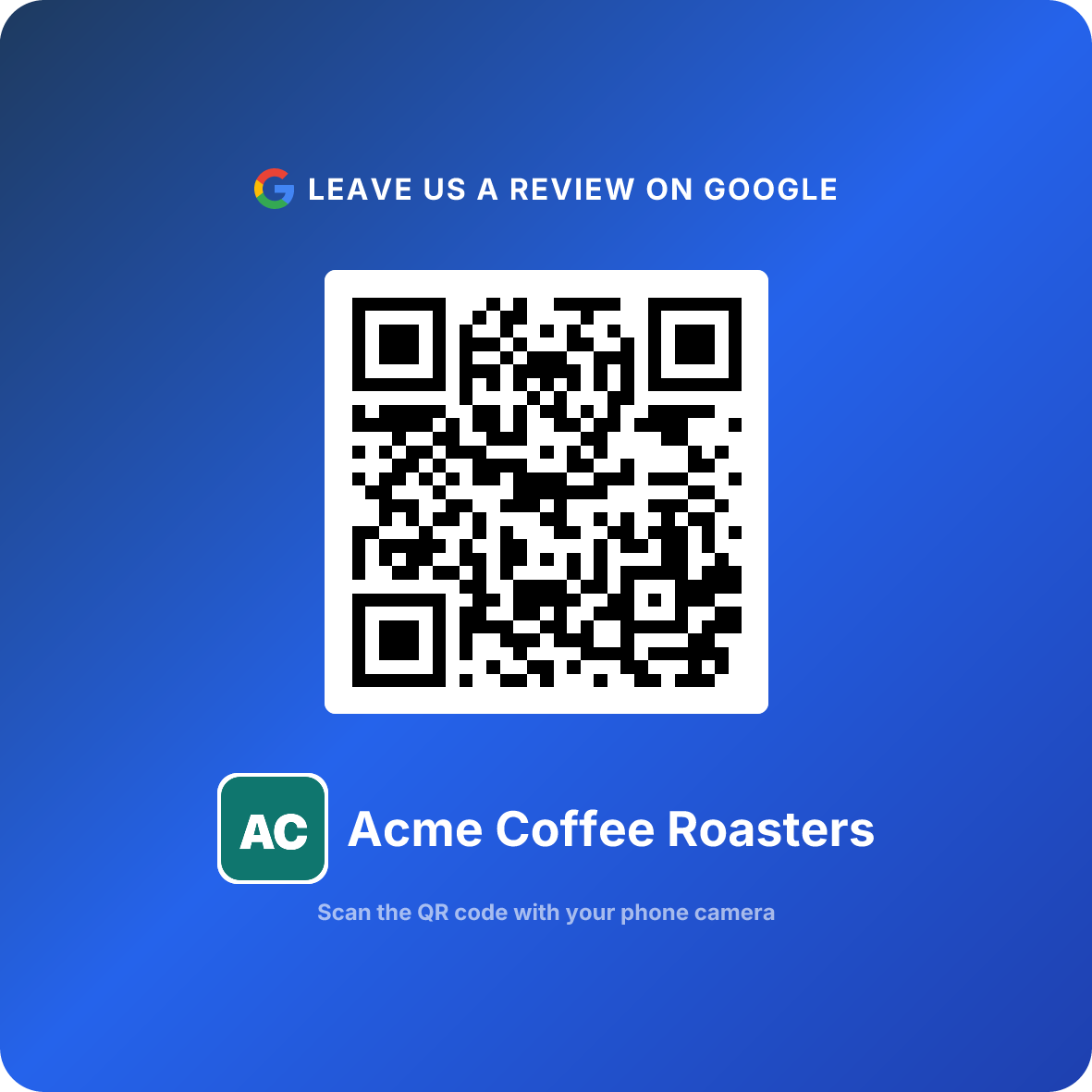
A review QR code is a scannable code that links directly to your Google review form. Customer scans it with their phone camera → Google Maps opens → the review box is already waiting. No searching for your business, no navigating menus, no friction.
That's why it works. The gap between "that was great" and "I should leave a review" is about 30 seconds. After that, people move on with their day. A QR code catches them in that window.
Compare the alternatives:
- "Leave us a review on Google" — vague. Most people won't bother searching.
- Follow-up email — 8-12% open rate, usually ignored.
- Verbal ask from staff — awkward for both sides, inconsistent.
- QR code on the table/counter/receipt — scan, tap, done. 15-25% conversion rate.
The numbers aren't close. A QR code removes every step except the one that matters: the customer writing their honest experience.
How It Looks in Practice
Customer finishes their meal / picks up their order / gets their car back. They see a small card or sticker: "Loved your experience? Scan to leave a quick review." They pull out their phone, scan, tap 5 stars, write a sentence, and they're done. Total time: 20-30 seconds.
Create Your Google Review QR Code (Free 14-Day Trial)
You don't need to commit up front to a Google review QR code generator. ReviewQR starts with a 14-day free trial: no watermark, no catch, cancel anytime.
Search for your business
Type your business name in the generator. It pulls directly from Google Maps, so make sure your Google Business Profile is claimed and up to date.
Customize the design
Pick colors that match your brand. Add your logo if you want. The QR code stays scannable regardless of color choices — we test it automatically.
Download and print
You get a high-resolution PNG ready for print. Put it on table tents, receipts, stickers, business cards, or window decals. One QR code works everywhere.
That's it. Under 60 seconds, and you have a QR code for Google reviews that never expires. After the 14-day trial, plans start at $10/month.
Where to Place Your QR Code This Spring
Placement is everything. The best spot is wherever your customer feels the most satisfied — that's the moment they're most likely to leave a positive review.
High-Converting Placements (Any Business)
- Checkout counter — right where they pay, while the experience is fresh
- Receipts — printed at the bottom, easy to scan at home
- Thank-you cards — personal touch, especially for service businesses
- Business cards — hand them out, leave them in bags
- Packaging inserts — for any business that ships or bags products
Spring-Specific Placements
This is where seasonal thinking pays off:
- Patio tables and outdoor seating — spring means outdoor dining. New surfaces = new QR code opportunities. People linger longer outside, which means more time to scan.
- Seasonal menus and specials — if you're printing a new spring menu, add the QR code to it.
- Window displays — fresh spring window? Add a small "Scan to review us" sticker.
- Event booths and pop-ups — spring markets, farmers markets, community events. Bring a QR code stand.
- Refresh old materials — replace that faded winter table tent with a clean new one. A fresh card gets 2x more scans than a worn-out one.
Pro tip: Don't hide the QR code. It should be at eye level, well-lit, with a clear call-to-action next to it. "Enjoyed your visit? Scan here" converts better than a naked QR code with no context.
The Spring Reputation Audit
Before you print QR codes, take 15 minutes to audit your current online presence. Think of it as spring cleaning for your digital storefront.
Do This
- ✓Check your Google Business Profile — hours, photos, and description up to date
- ✓Read your last 10 reviews — spot patterns in complaints or praise
- ✓Respond to every unanswered review (yes, even the old ones)
- ✓Update your business photos with fresh spring images
- ✓Verify your address, phone number, and website link are correct
Avoid This
- ✕Ignore negative reviews — a polite response shows you care
- ✕Buy fake reviews — Google detects and penalizes this aggressively
- ✕Wait until summer to start — you'll miss 3 months of momentum
- ✕Use a generic QR code that links to your homepage instead of the review form
- ✕Offer discounts or rewards in exchange for reviews — it violates Google's policy
This audit alone can improve your local search ranking. Google rewards businesses that keep their profile active and respond to reviews. Pair it with a review QR code and you're building momentum that compounds through summer.
Turn happy customers into reviews
A Google review QR code that gets you more reviews in one scan. Included in every plan.
Get my review QR codeSeasonal Strategies That Drive More Reviews
A QR code gets you reviews. But pairing it with seasonal awareness gets you more reviews, faster.
The Spring Reset Campaign
Tell your customers you're refreshing everything this spring — including your commitment to feedback. A simple sign or social post:
"This spring, we're listening harder. Scan to tell us how we're doing."
It frames the QR code as part of a bigger effort, not just a marketing gimmick. Customers respect that.
Staff Activation
Spring is natural re-training season. Brief your team on three things:
- Where the QR codes are — they should be able to point to one without hesitation
- When to mention it — after a compliment, after resolving an issue, at checkout
- How to say it naturally — "If you have 30 seconds, we'd love a quick Google review. There's a QR code right there." Not scripted. Not pushy. Just helpful.
Leverage Spring Events
Every spring event is a review opportunity:
- Mother's Day — restaurants, florists, spas all see surges. Flower shops and salons especially benefit from QR codes during this rush.
- Patio opening day — restaurants can put QR codes on every new outdoor table
- Spring cleaning season — auto detailing shops see a huge wave of customers getting winter grime off their cars
- Tax refund spending — jewelry stores and retail shops benefit from the spending bump
Each event brings motivated, happy customers through your door. That's exactly who leaves 5-star reviews.
The Compounding Effect
Businesses that start collecting reviews in March typically have 40-60 new reviews by June. That's enough to move you from page 2 to the local 3-pack in Google Maps — right when summer foot traffic peaks. The timing isn't coincidental. It's strategic.
Real Numbers: What to Expect
Let's be specific about what a rating QR code actually delivers. These numbers come from businesses using QR codes for review collection:
| Timeframe | Expected New Reviews | Impact |
|---|---|---|
| Week 1 | 3-5 reviews | Momentum starts, recent reviews appear on profile |
| Month 1 | 8-15 reviews | Google notices the activity, local ranking begins to improve |
| Month 3 | 25-45 reviews | Significant ranking boost, star rating stabilizes higher |
| Month 6 | 50-90 reviews | Dominant local presence, consistent stream of social proof |
The biggest factor is foot traffic. A busy restaurant will hit the upper range. A specialty shop with 10 customers a day will trend lower — but even 2-3 reviews a week compounds fast over a quarter.
What About Star Ratings?
Here's the counterintuitive part: QR codes tend to increase your average rating, not lower it. Why? Because satisfied customers are the ones who scan. Unhappy customers find your Google page on their own to vent — they don't need a QR code for that.
By making it easy for happy customers to leave reviews, you're balancing out the natural negativity bias that plagues most Google listings.
Mistakes That Kill Your Review Momentum
You'd be surprised how many businesses set up a QR code and then sabotage their own results:
1. Placing the QR code where nobody looks A QR code on the back of a menu nobody reads is useless. Put it where eyes naturally go — checkout, table center, receipt header.
2. No call-to-action next to the code A bare QR code with no text gets ignored. Always add a short prompt: "Loved it? Scan to review" or "30 seconds to help us grow."
3. Forgetting to respond to reviews If someone takes 30 seconds to review you and gets silence in return, they feel ignored. Respond to every review — a simple "Thank you, [name]!" goes a long way. Google also factors response rate into your ranking.
4. Letting the QR code get physically worn out A sun-bleached, coffee-stained QR code on a crumpled card? Nobody's scanning that. Replace your printed materials every few weeks, especially outdoor ones.
5. Only asking once Don't set and forget. Rotate placement, refresh the call-to-action text seasonally, and keep the QR code visible in new spots as your space evolves.
FAQ
Is there a free QR code generator for Google reviews?
ReviewQR lets you create a Google review QR code in under 60 seconds, and every plan starts with a 14-day free trial. Create your account, enter your business name, customize the design, and download. No watermark, and the code never expires. After the trial, plans start at $10/month.
How does a review QR code actually work?
A review QR code links directly to your Google review form. When a customer scans it with their phone camera, it opens Google Maps with the star-rating box ready to go. No searching, no extra taps — just scan and review.
Where is the best place to put a Google review QR code?
The best spot is wherever customers feel most satisfied — checkout counters, receipts, thank-you cards, table tents, or packaging inserts. Spring-specific placements include patio tables, outdoor signage, and seasonal menus.
Will a QR code actually increase my Google reviews?
Businesses that add a review QR code typically see 3-5x more QR code reviews within 90 days. The reason is simple: you remove every friction point between "I had a great experience" and "I left a review."
Can I use the same QR code all year?
Absolutely. Your QR code links to your Google review page, which doesn't change. Create it once and reprint it on any material — seasonal menus, new signage, updated packaging. The code stays the same.
How many reviews should I expect in the first month?
Most businesses see 8-15 new reviews in the first 30 days after placing a QR code. The number depends on foot traffic and placement. Restaurants and retail shops with high daily volume tend to hit the upper range.
Spring cleaning your online reputation isn't just a metaphor. It's a strategy. The businesses that start now will own the local search results by summer — and all it takes is a QR code for Google reviews and 60 seconds of setup.
Once spring's happy customers are leaving reviews, give them a reason to come back all season long — pair your review QR code with QR coupons and turn that fresh wave of foot traffic into repeat visits.
Ready to Implement This Strategy?
Create your custom QR code in 2 minutes and start collecting Google reviews today.
Create Your QR Code NowMore Google Review Guides
Florist Google Reviews: 25-40 per Valentine's Weekend
How flower shops collect 25-40 Google reviews per Valentine's or Mother's Day weekend using QR codes on bouquet tags and delivery cards. QR generator + playbook.
Retail & ShopsQR Code Coupons for Eyewear Stores: The Annual Frame Refresh
An optical shop sees each patient once a year and loses the sale to a website in the parking lot. How independent eyewear stores use single-use QR coupons to raise capture rate, attach a second pair, and harvest expiring vision benefits. Math, three plays, placements, and a 6-minute setup.
Retail & ShopsQR Code Coupons for Dry Cleaners: The Hanger-Tag Bounce-Back
How dry cleaners use single-use QR coupons stapled to the poly bag to pull drifting customers back before their garments pile up. With the closet-visibility mechanic, math, counter scripts, and a 6-minute setup.