Birdeye Alternative: ReviewQR at $10/mo vs $299/mo
Birdeye costs $299/mo with 12-month contracts. ReviewQR is $10/mo with no contracts. See why 180+ small businesses chose the simpler way to collect reviews.

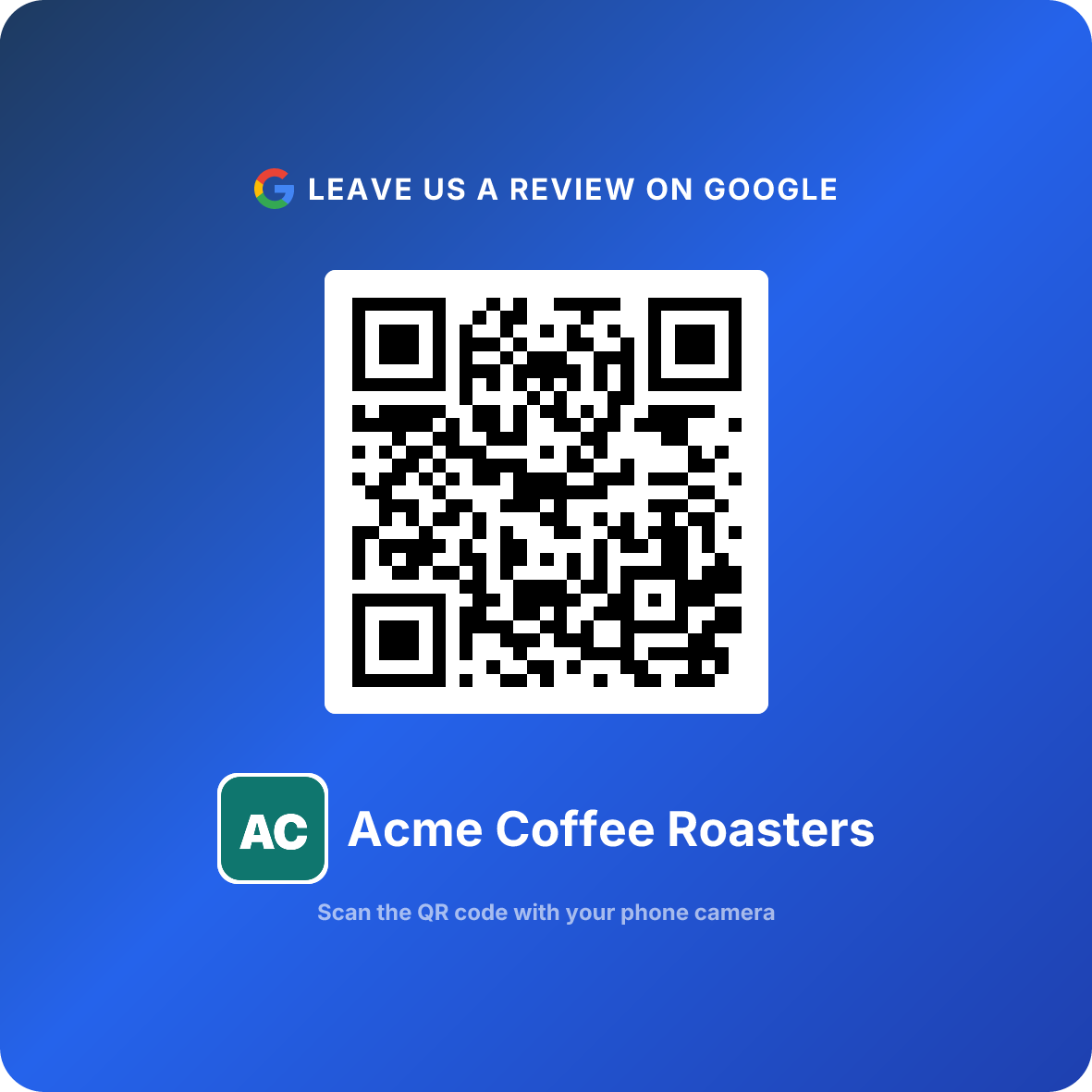
Turn happy customers into reviews
A Google review QR code that gets you more reviews in one scan. Included in every plan.
Get my review QR codeYou run a small business. Maybe a salon, a dental clinic, a restaurant. You know Google reviews matter — they are the difference between a customer choosing you or the place down the street.
So you search for a review management tool. And every article recommends Birdeye.
Then you see the price: $299 per month. 12-month contract. No refunds.
That is $3,588 per year before you collect a single extra review.
There is a better way for small businesses, and it costs 97% less: ReviewQR, $10/month, no contract, 14-day free trial. It is our tool, so the rest of this article shows the side-by-side and the exact cases where Birdeye is still the right call.
The short answer
For a single-location business, the Birdeye alternative is ReviewQR: $10/month, no contract, 14-day free trial, 30 seconds to a working review QR code. It is our product, so read the side-by-side below and the "who should use Birdeye" section before you decide.
| ReviewQR | Birdeye | |
|---|---|---|
| Entry price | $10/month | $299/month |
| Contract | None, cancel anytime | 12 months, auto-renews |
| Year one | $120 | $3,588 |
| Time to first QR code | 30 seconds | Onboarding call |
| Built for | One location, owner does the marketing | 10+ locations with a marketing team |
If you have ten locations and a marketing team, keep reading for the case where Birdeye earns its price. If you have one shop and want reviews coming in this afternoon, the answer is already above.
What Birdeye does well
Let's be fair. Birdeye is not a bad product — it is an enterprise product.
They monitor reviews across 150+ platforms. They offer AI-powered review responses. They manage social media, customer surveys, payment processing, and directory syndication all from one dashboard.
If you are a franchise with 50 locations and a dedicated marketing team, Birdeye makes sense. It is built for that scale.
The question is not whether Birdeye is good. The question is whether your business needs all of that.
The enterprise trap
Here is what happens to most small business owners who sign up for Birdeye:
- Week 1: You are excited. You explore the dashboard, set up integrations, customize templates.
- Week 3: You realize you are only using the review request feature. The social media tools sit untouched. The survey builder has never been opened.
- Month 3: You are paying $299/month for what is essentially an automated review request tool. You wanted a bicycle, but you bought an airplane.
- Month 10: You want to cancel. Then you discover the auto-renewal clause.
This pattern shows up constantly in reviews on G2, Capterra, and Trustpilot. Small business owners describe Birdeye as "overwhelming," "way too complex for what I need," and "impossible to cancel."
Multiple Birdeye users have reported being charged for a full additional year ($3,588+) after missing the cancellation window by just days. The auto-renewal requires written notice 30-90 days in advance.
What small businesses actually need
After working with 180+ businesses across 35+ countries, we have learned that most small businesses need exactly three things to grow their Google reviews:
Do This
- ✓A QR code that opens their Google review page instantly
- ✓A way to track whether the QR code is actually working
- ✓Their current Google rating and review count in one place
Avoid This
- ✕AI-generated review responses (customers can tell)
- ✕Multi-platform monitoring (Google is what matters for local)
- ✕Social media management (use the free native tools)
- ✕Customer surveys (ask in person instead)
- ✕Payment processing (you already have Square or Stripe)
That is it. A QR code, basic analytics, and your Google stats. Everything else is noise for a single-location business.
Side-by-side comparison
Here is an honest look at what you get with each tool:
| Feature | ReviewQR ($10/mo) | Birdeye ($299/mo) |
|---|---|---|
| Google review QR code | ✅ (core feature) | ✅ (buried in features) |
| Scan tracking | ✅ | ✅ |
| Google rating monitoring | ✅ | ✅ |
| Daily scan analytics | ✅ (Essentials) | ✅ |
| Peak hour insights | ✅ (Essentials) | ❌ |
| No contract required | ✅ | ❌ (12-month) |
| Free trial | ✅ (14 days, cancel anytime) | ❌ |
| Setup time | 30 seconds | Hours (onboarding call) |
| 150+ platform monitoring | ❌ | ✅ |
| AI review responses | ❌ | ✅ (higher tiers) |
| Social media management | ❌ | ✅ |
| Customer surveys | ❌ | ✅ |
| Payment processing | ❌ | ✅ |
The key question
Look at that table and ask yourself: which features in the Birdeye column do you actually use — or would actually use? For most single-location businesses, the answer is the top four rows. You get all of those with ReviewQR for $10/month.
Turn happy customers into reviews
A Google review QR code that gets you more reviews in one scan. Included in every plan.
Get my review QR codeThe math that matters
Let's talk numbers. Because this is ultimately a business decision.
What could your business do with an extra $3,468 per year?
- That is 7 months of rent for a small booth at a local market
- That is a full year of Google Ads at $289/month
- That is 173 thank-you cards to loyal customers (at $20 each with postage)
And here is the thing: a $10/month QR code collects reviews the same way a $299/month platform does. The customer scans, your Google review page opens, they leave a review. The mechanism is identical.
The difference is everything around that mechanism. Birdeye adds dashboards, AI, surveys, and integrations. ReviewQR adds... nothing unnecessary.
The contract problem nobody talks about
This deserves its own section because it catches so many small business owners off guard.
Birdeye requires a 12-month contract with automatic renewal. To cancel, you must submit written notice 30-90 days before your renewal date. Miss that window and you are locked in for another full year.
From actual Birdeye reviews:
"I tried to cancel one week past renewal and was told I owe the full $3,588 for next year. No exceptions." — Small business owner on Trustpilot
"The product is fine but the contract structure is predatory for small businesses. I feel locked in." — G2 review, verified user
ReviewQR has no contracts. Subscribe for $10/month, cancel anytime. There is nothing to "lock in" because the tool is so affordable there is no reason to trap you.
Who should use ReviewQR
ReviewQR is built for the business Birdeye was never designed around:
- Single-location shops — restaurants, salons, clinics, gyms, auto detailers
- Owners who do their own marketing (which is most small businesses)
- Businesses where Google is the review platform that matters (true for 90%+ of local businesses)
- Anyone who wants results without complexity — print a QR code, place it where customers see it, watch reviews come in
- Budget-conscious businesses that would rather spend $10/month than $299/month
180+ businesses already made this choice
Businesses in 35+ countries across 6 continents use ReviewQR to collect Google reviews. Restaurants, salons, dental clinics, auto detailers, gyms, flower shops, jewelry stores, and more — all for $10/month or less.
Who should use Birdeye
And to be fair, there is a business Birdeye is genuinely the right choice for:
- Multi-location brands managing 10+ locations from a central dashboard
- Franchises that need standardized review response templates across locations
- Businesses with a dedicated marketing team that will actually use the social media, survey, and AI tools
- Companies that care about Yelp, Facebook, and Healthgrades as much as Google
- Businesses with $300+/month marketing budgets specifically for reputation management
If that sounds like you, Birdeye is worth evaluating. It is a powerful platform for the right user.
How to get started in 30 seconds
No sales calls. No onboarding meetings. No 12-month commitment.
Search for your business
Type your business name on ReviewQR. We find your Google Business Profile automatically.
Generate your QR code
One click and your custom review QR code is ready. Download it instantly.
Print and display it
Place it at the counter, on tables, on receipts — anywhere customers naturally pause.
Watch the reviews come in
Customers scan, your Google review page opens, they leave a review. Track everything from your dashboard.
Every plan starts with a 14-day free trial. Essentials is $10/month and includes the review QR code, daily analytics, peak hour insights, and scan-to-review conversion tracking. Cancel anytime, no contracts, no fine print.
And reviews are only half the equation — once they're rolling in, you can bring those customers back with QR coupons without paying enterprise prices for a separate loyalty platform.
FAQ
Is Birdeye worth it for a small business?
For most single-location small businesses, Birdeye is overkill. At $299+/month with mandatory 12-month contracts, you are paying for enterprise features like multi-platform monitoring, AI responses, and directory syndication that a local bakery or salon rarely needs. A focused tool like ReviewQR ($10/month, no contract) handles the core job — collecting Google reviews via QR codes — at a fraction of the cost.
What is the cheapest Birdeye alternative?
ReviewQR is one of the most affordable alternatives at $10/month with no contracts. Every plan starts with a 14-day free trial and includes the Google review QR code plus scan tracking. Other budget options include NiceJob ($75/month) and BrightLocal (varies by plan). Birdeye's entry price is $299/month with a mandatory 12-month commitment.
Can I cancel Birdeye anytime?
No. Birdeye requires a 12-month contract that auto-renews. You must submit written cancellation 30-90 days before your renewal date. Multiple users have reported being charged for another full year after missing the cancellation window by just days.
Do QR codes actually work for getting Google reviews?
Yes. QR codes remove the biggest friction point in the review process — customers do not have to search for your business on Google. They scan, your review page opens, and they leave a review. Businesses using ReviewQR typically see their first new reviews within a week of placing their QR code.
What features does ReviewQR have compared to Birdeye?
ReviewQR focuses on one thing: collecting Google reviews via QR codes. You get a custom QR code, scan tracking, Google rating monitoring, daily analytics, and peak hour insights. Birdeye offers 150+ platform monitoring, AI review responses, surveys, payments, and social media management — features most small businesses never use.
Should I use Birdeye or ReviewQR?
Use Birdeye if you manage 10+ locations, need multi-platform monitoring, and have a $300+/month budget for reputation management. Use ReviewQR if you run a single-location business, primarily care about Google reviews, and want a simple tool that costs $10/month with no contracts.
Ready to Implement This Strategy?
Create your custom QR code in 2 minutes and start collecting Google reviews today.
Create Your QR Code NowMore Google Review Guides
Podium Alternative 2026: $10/mo vs $399/mo (How to Switch)
Podium costs $399/mo with annual contracts and hidden fees. ReviewQR is $10/mo, no contract. Includes step-by-step Podium cancellation and migration guide.
comparisonBest QR Coupon App for Small Business: 5 Tools Compared
Coupon Carrier, Voucherify, TapMango, OwnQR, ReviewQR — single-use QR coupon apps ranked by price, redemption flow, and small-business fit in 2026.
comparisonNiceJob Alternative: ReviewQR at $10/mo vs $75/mo
NiceJob costs $75/mo with annual billing and email-based review requests. ReviewQR is $10/mo with QR codes and no contracts. See the honest comparison.