Google Review Link Generator
Get the direct link to your Google review box. Search your business, copy the link, send it by text, email or WhatsApp. Customers land on the five stars, not on a search page.
- Built from your official Google Place ID
- Three ready-to-send messages, copy and paste
- Works for every verified Google Business Profile, any country
Need the link as a printed QR code with scan tracking? That is the Google review QR code generator, 14-day free trial on every plan.
Start typing your business name to find it, or paste your Google review link.
Already have your Place ID? Paste it instead
Pick your business above and your review link, a copy button, and three ready-to-send messages appear here. No account needed.
How to get your Google review link
Three ways to the same review box
Every Google review link ends in your Place ID. Whichever way you get it, the customer lands on the same screen: your business name, five empty stars, a text box.
- Fastest
This generator
Search, select, copy. 10 seconds, no account. Works for any verified Google Business Profile in any country.
- Official short link
Google Business Profile
Sign in to your profile on Google, open the "Ask for reviews" card and copy the short g.page link. Same review box, shorter URL.
- Manual
Place ID finder
Look up your Place ID on Google's developer page, then paste it after writereview?placeid= or into the Place ID field above.
What the link looks like
https://search.google.com/local/writereview?placeid=ChIJ…The part after placeid= is your Place ID, a code Google assigns to every listing. It never changes unless the listing is merged or deleted, so a link printed today keeps working.
How to send it
Where a review link actually gets clicked
The link is only half the job. Timing and placement decide whether a happy customer turns into a review.
- 01
Text or WhatsApp, within the hour
The link is at its best right after the visit. One short message, one link, one ask. Reply rates fall by half after 24 hours.
- 02
Email signature and invoices
Add "Leave us a Google review" with the link under your name and at the bottom of every invoice or booking confirmation.
- 03
Counter, receipt, table: as a QR code
Nobody types a URL off a card. Encode the link in a QR code and the customer is on the review box in one scan, while they are still smiling.
Same link, printed as a QR code, with scan counts
ReviewQR wraps your review link in a short redirect and prints it as a QR code on cards, stickers and table tents. You see scans per day and which placement works. Every plan includes it, from $10/month, 14-day free trial, cancel anytime. Plans also include single-use QR coupons to bring the same customers back.
After the review
A review link gets you the review. A coupon gets the second visit.
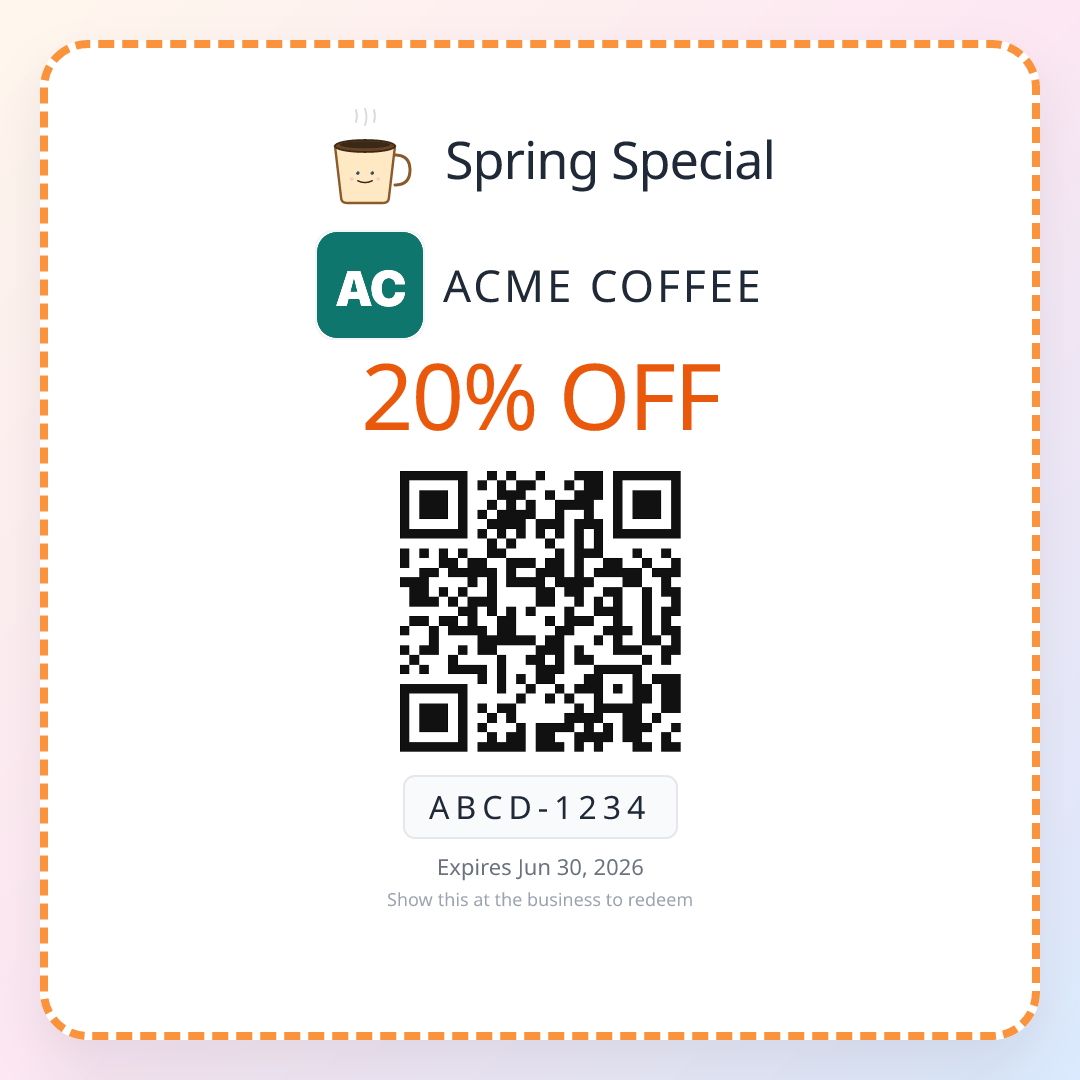
The customer who just left you five stars is the cheapest customer you will ever win back. Hand them a single-use QR coupon with an expiry date and they have a reason to return this month, not someday. One scan to redeem, no app, no punch card, and you see every redemption.
- Single-use: each coupon dies after one scan
- Expiry you choose, so the return happens soon
- Printed stickers or a share link, your choice
- Redemption count per campaign in the dashboard
Included in every plan with the review QR code. 14-day free trial, cancel anytime.
FAQ
Google review link questions
What is a Google review link?
It is a direct URL that opens the "write a review" box for your business on Google. It looks like https://search.google.com/local/writereview?placeid=... followed by your Place ID. When a customer opens it, they skip searching for you on Maps and land straight on the star rating and the text box.
How do I get my Google review link?
Three ways. The fastest is this page: search your business and copy the link. Second, in your Google Business Profile dashboard, open the "Ask for reviews" card and copy the short g.page link. Third, find your Place ID in the Google Place ID finder and add it after the writereview?placeid= part of the URL above. All three open the same review box.
Is the Google review link generator free?
Yes. The link is yours, generated from Google's own Place ID system, and you can copy it and send it without an account. ReviewQR makes money on the print side: a scannable QR code for the counter, review cards and single-use coupons, all with scan tracking, on a plan that starts with a free trial.
How do I send my Google review link to customers?
The three messages on this page cover text, email and WhatsApp. Send it within an hour of the visit, while the experience is fresh, and ask one person at a time rather than blasting a list. For walk-in businesses a QR code on the counter or the receipt works better than any message, because the customer is still standing in front of you.
Can I shorten my Google review link?
Yes. Google offers a short g.page/r/.../review link inside your Business Profile dashboard, and any URL shortener works too. Keep in mind that shortened links hide where they go, which lowers click rates in text messages. A QR code sidesteps the problem entirely: nobody types it.
Why does my Google review link not work?
Usually one of three things: the Place ID belongs to a duplicate or unverified listing, the customer is not signed in to a Google account (Google asks them to sign in first, which is normal), or the link was copied with a space or a missing character. Test the link on this page with the "Test the link" button before printing it anywhere.
Can I put the review link on a QR code?
That is exactly what ReviewQR does. The QR code encodes a short redirect to your review link, so you can print it on a card, sticker or table tent, and every scan is counted. You get a print-ready PNG and SVG, review cards with your logo, and a dashboard with scans per day.
Is asking for Google reviews allowed?
Asking is allowed. What Google forbids is paying for reviews, offering discounts in exchange for a review, or filtering: only sending the link to customers you expect to be happy. Send it to everyone, keep the ask neutral, and never gate the link behind a rating question.
Your review link is at the top of this page
Copy it, send it today. When you are ready for the counter, print it as a QR code and watch the scans come in.