How to Ask for Google Reviews: 10 Copy-Paste Scripts That Don't Feel Pushy
How to ask customers and clients for Google reviews in person, by text, by email, and on a receipt. 10 word-for-word scripts, the right moment to ask, what Google allows, and how to make the ask without the awkwardness.
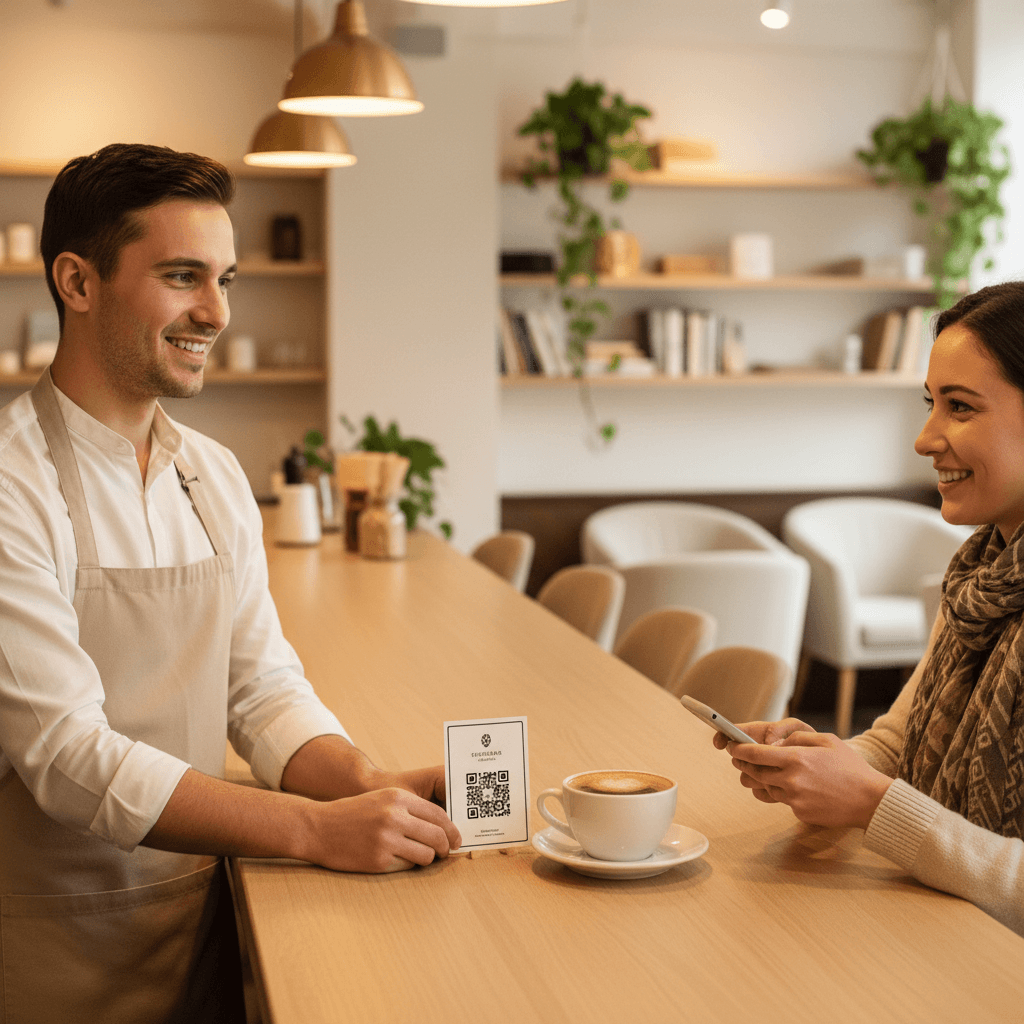
How to Ask for Google Reviews (Without Sounding Like You Are Begging)
A barber in a small town once told me he had the line memorised for months before he said it out loud. "Hey man, if you liked the cut, would you mind maybe leaving us a review on Google?" He practised it in the car. Then a regular stood up from the chair, looked in the mirror, said "that's the best fade I've had in years", and the barber said "thanks, see you in three weeks" and let him walk out.
That is how most review requests die. Not with a no. With a business owner who cannot find the words at the one moment the customer would have said yes.
This guide fixes the words. Below are ten scripts you can copy as written, for the counter, for a text, for an email, and for paper, plus the timing that makes them land and the rules that keep the reviews you get from being removed.
The short answer
If you only read one section, read this one. A good review request has five parts:
- Ask once. One ask per visit, one follow-up message at most.
- Ask at the high point. Right after the customer sees the result or pays you a compliment.
- Ask in one sentence. No backstory about being a small business.
- Hand over the path. A QR code or a direct link that opens the Google review box, not your profile.
- Ask for a review, not for five stars. And never offer anything in return for it.
Why asking feels pushy (and why customers rarely mind)
The awkwardness is real, but it is mostly on your side of the counter. Three things make it feel wrong:
It feels like a second bill. The customer just paid you. Now you want something else. In your head it sounds like "and also, could you do some unpaid marketing for me?"
You fear the flat face. A shrug or an "uh, maybe" after a great visit stings, so skipping the ask feels safer.
There is no natural bridge. Going from "here's your receipt" to "please open Google" has no graceful sentence in between, so most people improvise and it comes out wrong.
From the customer's side it looks very different. They just had a good experience, they already know small businesses live on reviews, and a short request with an easy path costs them half a minute. What annoys customers is not being asked. It is being asked twice, being asked with guilt attached, or being asked to go and find you on Google themselves.
The not-pushy rule
Make it easy to say yes, and just as easy to ignore.
If the customer ignores your ask, nothing happens and nobody is embarrassed. If they act on it, it takes under a minute. Every script below is built on that rule.
The Experience Afterglow: when to ask
Timing matters more than wording. There is a short window, usually a few minutes, after the customer has seen the result and before they have mentally left. We call it the Experience Afterglow. Inside it, a one-line ask feels like part of the conversation. Outside it, the same line feels like a sales pitch.
| Business | The afterglow moment | How to ask |
|---|---|---|
| Restaurant or cafe | Plates cleared, "that was great" | QR card with the bill, one sentence |
| Salon, barber, nail studio | The mirror | Verbal line, card with QR in hand |
| Auto repair or detailing | Customer sees the finished car | At the key handover, QR on the invoice |
| Dental or medical clinic | Checkout after a painless visit | Front desk line plus same-day text |
| Trades and home services | "Looks great" at the end of the job | Text with the link before you drive off |
| Hotel or rental | Checkout, or the first evening | QR in the room plus one email after the stay |
| Retail | The purchase is in the bag | Card in the bag, receipt footer |
If you miss the moment in person, the same day is the backup. A text or email sent that evening still catches some of the afterglow. A week later, almost none.
10 scripts for asking for Google reviews
Copy these as written, then swap in your own name and details. Each one is short on purpose. The shorter the ask, the less it sounds like a favour.
In person
Script 1: after a compliment
"Thank you, that genuinely made my day. Would you mind saying that on Google? This card goes straight to our reviews."
Use it whenever a customer praises you out loud. They have already written the review in their head; you are only showing them where to put it.
Script 2: at the counter, no compliment needed
"If you have thirty seconds later, this goes straight to our Google reviews. No pressure."
Said while handing over the receipt or the bag, with the QR card on top. It asks without waiting for an answer, so nobody has to say no to your face.
Script 3: the regular
"You've been coming here for ages and I've never asked. If you ever feel like writing a Google review, here's the link."
Regulars are your best reviewers and the people owners forget to ask, because asking feels odd once you know someone. Naming the oddness removes it.
By text
Script 4: same-day text
"Hi Sam, thanks for coming in today. If you have a minute, here's our Google review link: [link]. Thanks either way!"
Send it a few hours after the visit, while the experience is still fresh. "Thanks either way" is what keeps it from feeling like a demand.
Script 5: after a job is finished
"All done, Sam. Glad the kitchen tap is behaving again. If you're happy with the work, a quick Google review helps a lot: [link]"
For trades and service calls. Mentioning the actual job proves it is a real person writing, not an automated blast.
By email
Script 6: post-appointment email
Subject: How did we do today?
Hi Sam,
Thanks for coming in today. If everything went well, a short Google review helps other people find us: [Leave a review]
If something wasn't right, just reply to this email and I'll sort it out.
Radu
The second line is what makes it honest. It gives an unhappy customer a direct route to you without filtering who gets the review link, which keeps you inside Google's rules.
Script 7: client email after a project
Subject: Quick favour about the project
Hi Sam,
It was a pleasure working on the new menu with you. If you have two minutes, a Google review would help other restaurant owners find us: [link]
No pressure either way, and thanks again for trusting us with it.
For agencies, consultants, accountants, and anyone whose customers are clients. More on the difference below.
On paper
Script 8: QR card in the bag or with the bill
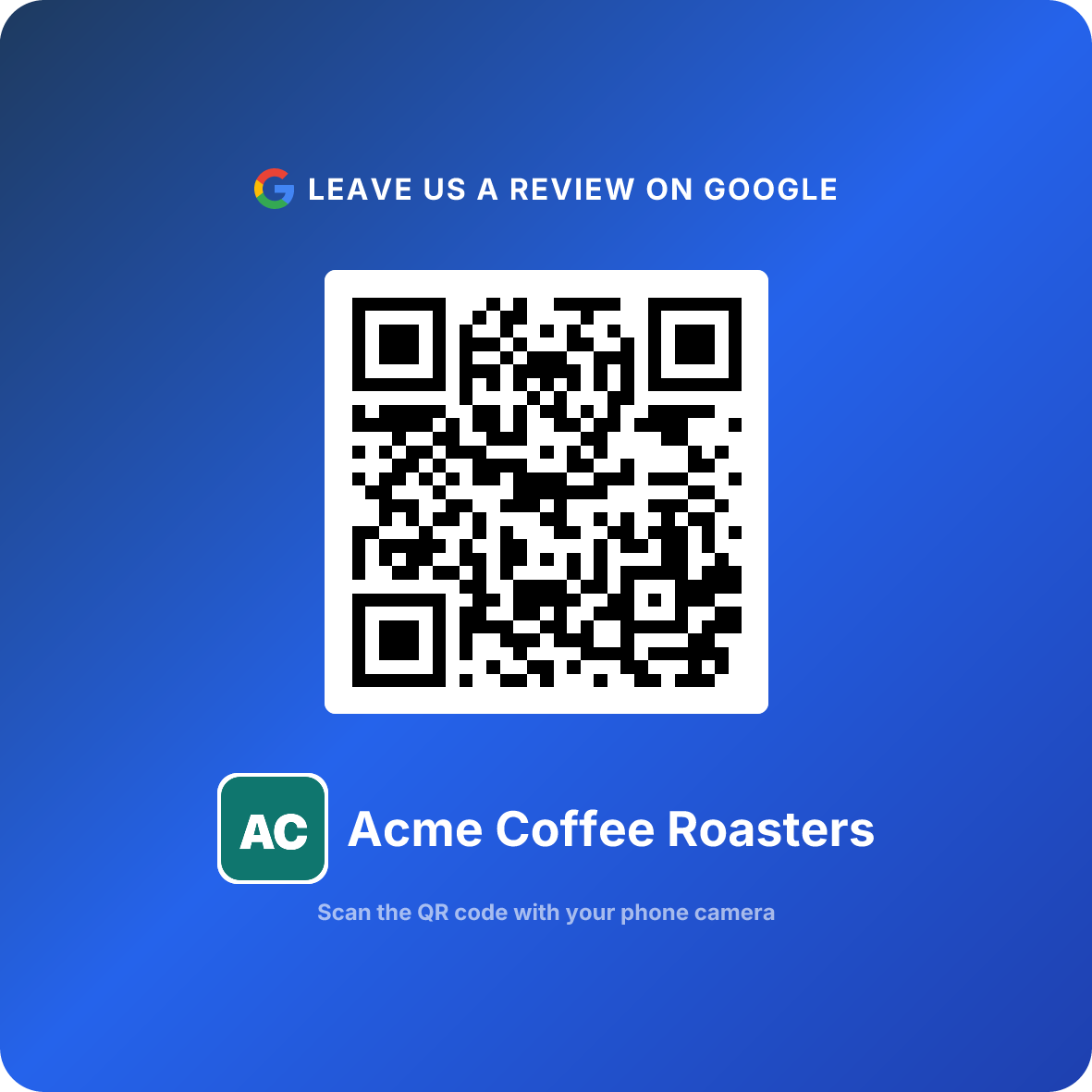
"Thanks for choosing us. Scan to tell Google how we did. It takes thirty seconds."
Print it on a business-card-sized card with a QR code that opens your review box. The customer reads it privately, at home or at the table, with nobody watching. Our Google review cards guide covers sizes and print layouts.
Script 9: receipt footer
"Enjoyed your visit? Scan the code or visit [short link] to leave us a Google review."
Every customer sees the receipt, so this one line reaches people your staff never get to talk to. It converts low, but it costs nothing.
Script 10: counter or table sign
"Had a good visit? Tell Google. Scan here."
Nine words, a QR code, and nothing else. The customers who loved it scan it; everyone else walks past without feeling asked. Pair it with Script 2 and the sign does the remembering for your staff.
Pick three, not ten. One in-person line (Script 1 or 2), one message (Script 4 or 6), and one piece of paper (Script 8 or 10) covers the counter, the evening, and the customers your staff never speak to. That is three chances without any one of them feeling like pressure.
Asking clients versus asking walk-in customers
"How to ask clients for reviews" and "how to ask customers for reviews" sound like the same question. They are not, and the difference changes the script.
Walk-in customers (cafes, salons, shops, repair bays) give you a few seconds of attention and then leave. The ask has to be instant and the path has to be in their hand: a QR code, a card, a sign. You probably do not have their number, so the counter is your only shot.
Clients (agencies, accountants, contractors, photographers, consultants) know you by name, you have their email, and the "visit" lasts weeks. The ask can be personal, it can wait until the work is delivered, and it should reference the specific project. A QR code matters less here; the direct link in an email does the job.
Do This
- ✓Clients: ask after delivery, by email, from a person's name, mentioning the project
- ✓Clients: send the direct review link, not your website or your Maps listing
- ✓Walk-in customers: ask at the counter, in one sentence, with a QR code in hand
- ✓Walk-in customers: back the verbal ask with a sign or a card for days you forget
Avoid This
- ✕Clients: ask in the middle of a project, before they have seen the result
- ✕Clients: send a long survey with the review link buried at the end
- ✕Walk-in customers: say 'just search for us on Google'
- ✕Anyone: send a second or third reminder
Verbal ask, link, or QR code: the numbers
Here is what the path does to the result. Picture 200 customers in a month who said "sure, I'll leave a review". Same people, same goodwill, three different ways of following up.
How we got there: when the path is "search for us", maybe one customer in ten actually searches later, and about half of those find the review button, so around 10. A texted link gets opened by about a quarter of people and roughly 40 percent of those finish, so around 20. A QR code handed over at the counter gets scanned by around 30 percent, and because it opens the review box directly, the same 40 percent finish, so about 24.
These are planning figures, not promises. Your numbers will depend on your customers and your staff. The ratio is the point: every step you take out of the customer's way keeps reviews you had already earned. A QR code left on a wall with no one mentioning it scans far less than one handed over with Script 2.
ReviewQR finds your direct Google review link, turns it into a print-ready QR code, and counts every scan so you can see which placement and which script is working. Every plan includes the Google review QR code and starts with a 14-day free trial (card required, cancel anytime). Essentials is $10 a month and Growth is $25 a month.
Get your Google review QR code
Where the ask lives when you are not talking
Scripts only work when someone remembers to say them. On a busy Saturday, nobody will. These placements keep asking for you:
| Placement | Why it works | Pair it with |
|---|---|---|
| Counter sign or stand | Customer is already paused, waiting to pay | Script 10, plus Script 2 when staff have a second |
| Card with the bill or in the bag | Read later, in private, with no one watching | Script 8 |
| Receipt footer | Every single customer sees it | Script 9 |
| Invoice or job sheet | Clients read it carefully anyway | Script 5 or 7 as the follow-up |
| Waiting area or table | Idle time with a phone already in hand | Script 10 |
Placement guides by business type: restaurants, salons and spas, auto repair shops, dental clinics, and hotels and rentals.
What Google allows, and what gets reviews removed
Google is fine with you asking. It even gives every Business Profile a share link for exactly that, under "Ask for reviews". What it does not allow is anything that skews which reviews get written.
Inside Google's rules
Do This
- ✓Ask every customer the same way, happy or not
- ✓Share a direct review link or a QR code that opens your review box
- ✓Send one reminder by text or email
- ✓Put a 'review us on Google' sign or card at the counter
Avoid This
- ✕Offer a discount, freebie, or prize draw in exchange for a review
- ✕Ask only the customers you expect to be happy (selective solicitation)
- ✕Ask for a specific star rating, such as 'leave us 5 stars'
- ✕Use a tool that sends unhappy customers somewhere other than Google
- ✕Post reviews yourself, or ask staff and family to review you
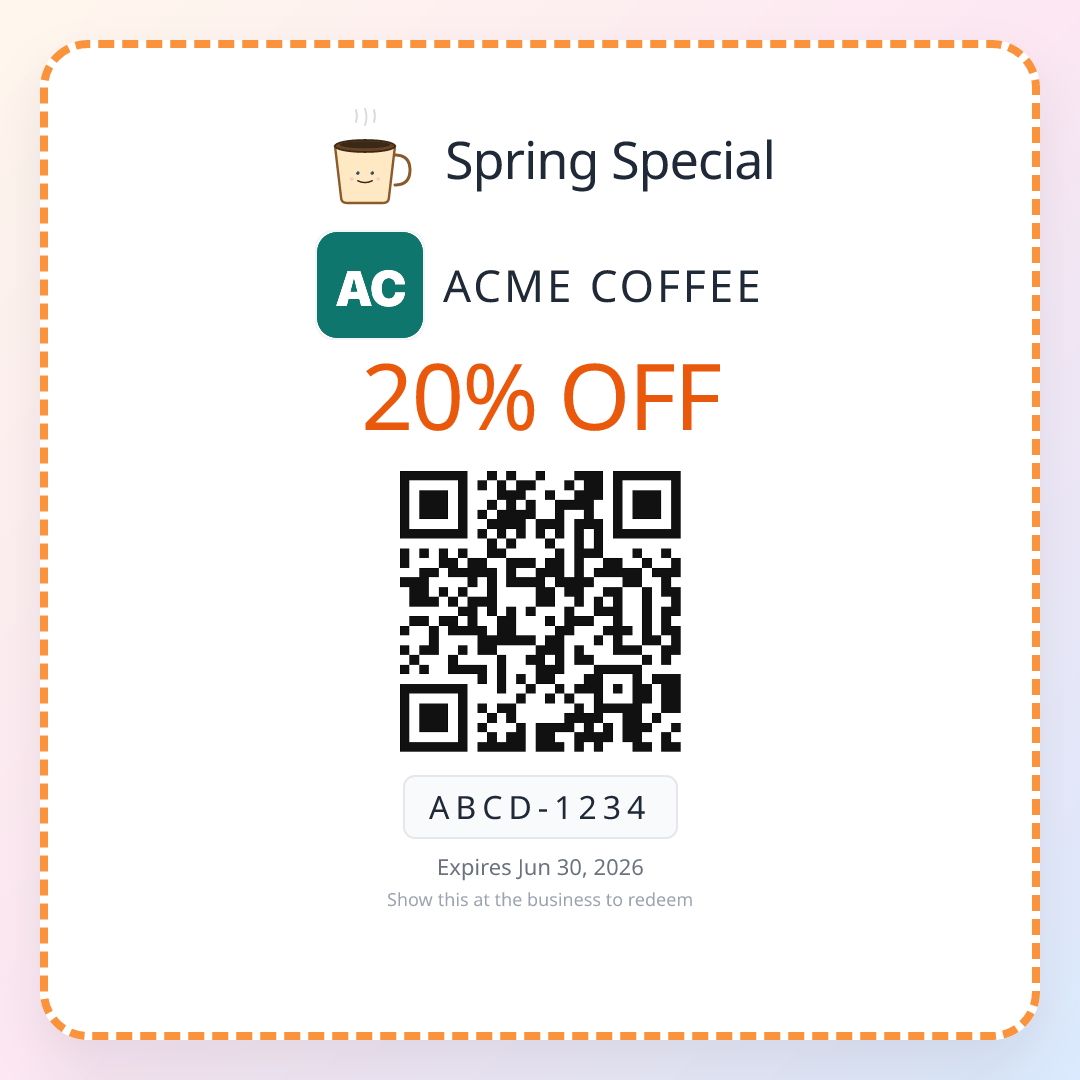
The incentive rule trips up the most people, because "10% off for a review" feels harmless. It is not allowed, and reviews collected that way can be removed. Rewarding the customer for coming back is a different thing and is completely fine: a single-use QR coupon for the next visit, handed over whether or not they ever review you, brings the customer back without touching the review at all.
Six ways a review request turns pushy
1. Asking twice. One ask in person and one follow-up message is the ceiling. "Just checking if you had a chance to leave that review?" turns a fan into someone avoiding your texts.
2. Adding guilt. "We're a small family business and we really need this" puts your problems on the customer. Say what a review does (helps other people find you), not how badly you need it.
3. Asking for five stars. It breaks Google's policies and customers notice the pressure. Ask for a review, full stop.
4. Telling them to search for you. "Just look us up on Google" sends a willing customer into four screens of tabs. Most never arrive. Give them the direct link or a QR code that opens the review box.
5. Asking before the result. Mid-haircut, mid-meal, mid-project, there is nothing to review yet. Wait for the afterglow.
6. Never testing your own link. Open your review link or scan your QR code on a phone that is not signed in as the business owner. If it lands anywhere other than the empty stars, fix it before you print a single card.
Related reading
If you do not have your direct review link yet, the free Google review link generator finds it in seconds, and how to get a QR code for Google reviews explains which of Google's look-alike links belongs inside the code. When a customer says yes but asks "how do I actually do it?", send them how to leave a Google review, which walks through every device. For the card you hand over with Script 8, see Google review cards with a QR code, and if you are weighing tap cards, Google review tap card vs QR code compares them honestly.
Once the reviews are coming in, the next job is getting those same customers back, which is what the QR coupons for small business overview covers.
Start your 14-day free ReviewQR trial. Review QR code plus coupons, included.
Frequently asked questions
How do I ask a customer for a Google review?
Ask once, right after a good moment (the compliment, the finished job, the mirror reveal), in one short sentence, and hand them a way to do it on the spot: a QR code that opens your Google review box, or a text with your direct review link. Something like: "Glad you liked it. If you have thirty seconds, this goes straight to our Google reviews." Then stop talking. Do not ask for a specific star rating and do not offer anything in exchange.
What is the best way to ask for reviews without being pushy?
Make it easy to say yes and just as easy to ignore. One ask, no follow-up chase, no guilt wording, and a path that takes under a minute. The least pushy option is a QR code at the counter or on a card that the customer can scan whenever they like, because nobody has to answer you out loud. If you also send a text or email, send one, and never a second reminder.
How do I ask clients for reviews by email?
Send it within a day of finishing the work, from a real person's name, with a subject line like "Quick favour about the project". Two or three sentences: thank them for something specific, say a Google review helps other clients find you, and give the direct review link as a button or plain link. Close with "No pressure either way." Long emails with a list of questions get fewer reviews, not more.
Is it allowed to ask customers for Google reviews?
Yes. Google lets businesses ask customers for reviews and even gives you a share link for that in your Business Profile. What breaks Google's policies is offering an incentive in exchange for a review (discounts, freebies, prize draws), asking only the customers you expect to be happy, which Google calls selective solicitation, and posting or buying fake reviews. Asking everyone the same way, with no reward attached, is fine.
When is the best time to ask for a Google review?
Inside what we call the Experience Afterglow: the few minutes after the customer has seen the result and said something positive about it. For a restaurant that is when the plates are cleared, for a salon it is the mirror, for a repair shop it is when the customer sees the fixed car. A text or email the same day still works. A week later the feeling is gone and most people will not act on it.
Should I text or email customers asking for a review?
Text if you already have the number and the customer expects texts from you (appointments, bookings, service calls), because texts get read within minutes. Email if your relationship already runs on email, such as clients, contractors, or online orders. Either way, put the direct Google review link in the message so it opens the stars, not your profile, and only send it once.
Keep reading
Review Us QR Code: Create, Display, and Track
Create a 'Review Us' QR code, design professional signage, choose high-converting placements, and track results with scan analytics. Free guide with real data.
guidesQR Code for Reviews: 2-Minute Setup + 3-5x More in 90 Days
How local businesses use QR codes to collect 3-5x more Google reviews in 90 days. Simple generator, real placement tactics, scan-rate data, and what to put on the card.
guidesHow to Create a QR Code for Google Reviews (Free, No Expiry)
Step-by-step guide to creating a free QR code for Google reviews. Learn why QR codes outperform traditional methods and how to track results with analytics.