Podium Alternative 2026: $10/mo vs $399/mo (How to Switch)
Podium costs $399/mo with annual contracts and hidden fees. ReviewQR is $10/mo, no contract. Includes step-by-step Podium cancellation and migration guide.
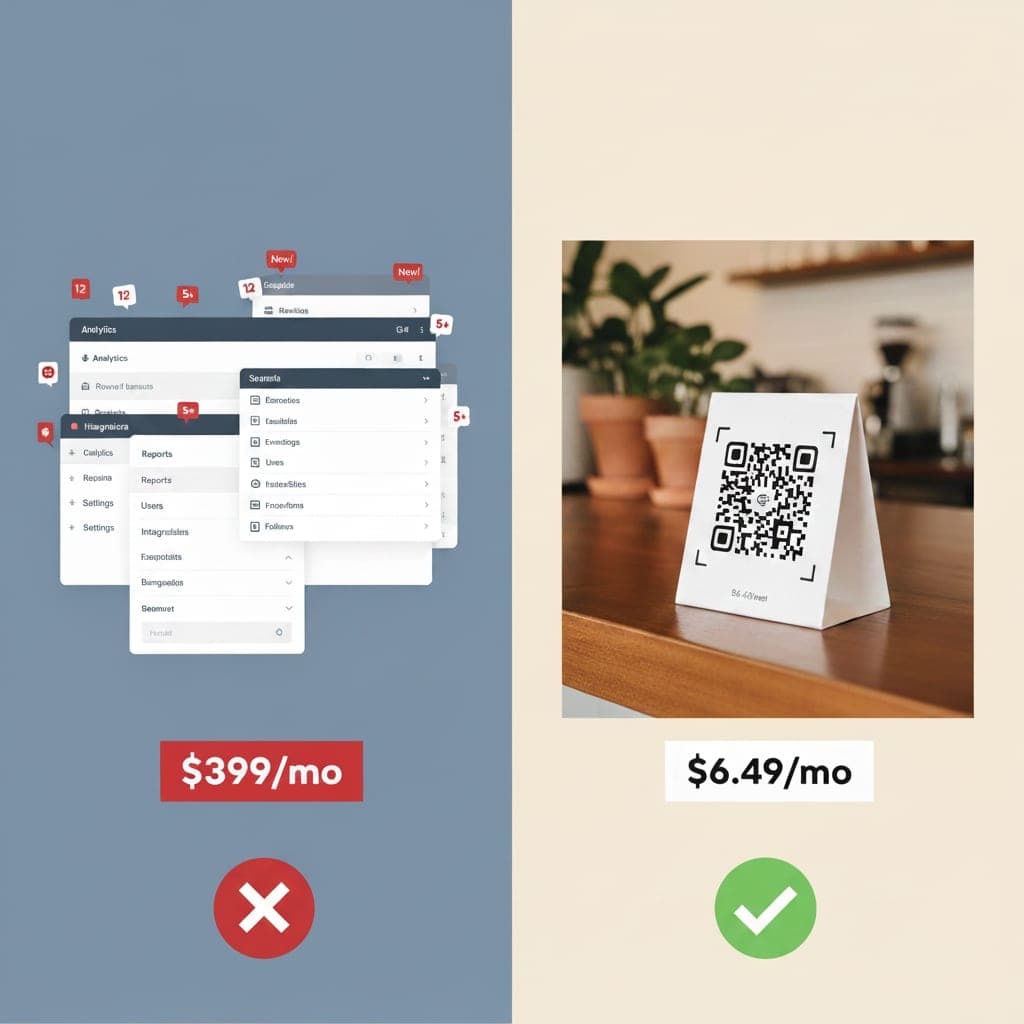
You searched for a way to get more Google reviews. Every article recommends Podium.
Then you see the price tag: $399 per month. Annual contract. Hidden fees on top.
That is $4,788 per year — and that is before the extra charges for phone seats, additional numbers, and compliance fees that nobody mentions on the pricing page.
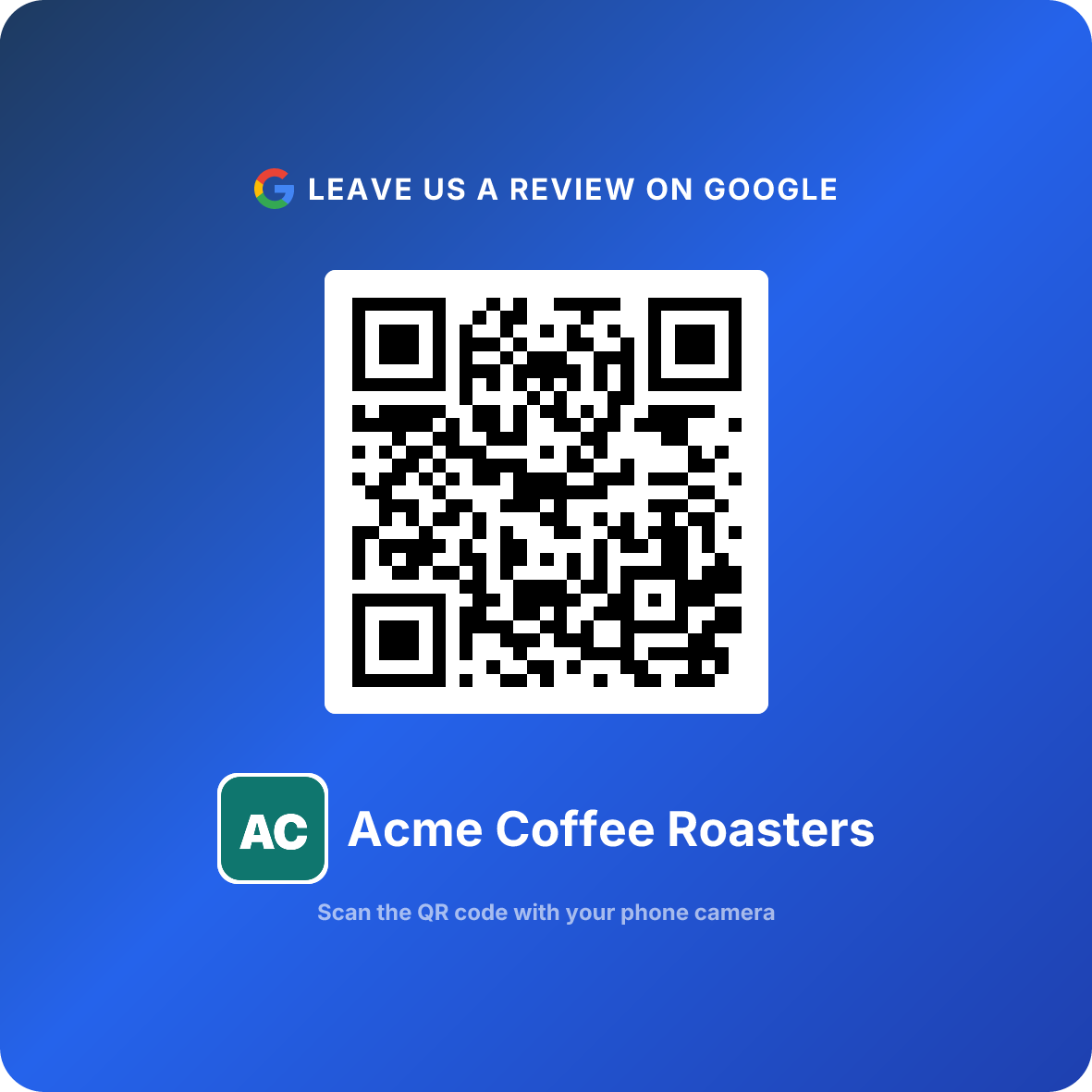
For a single-location business that just needs more Google reviews, the answer is ReviewQR at $10 per month, with no contracts, no hidden fees, no sales calls, and a 14-day free trial. It is our tool, so the feature-by-feature breakdown and the exact cases where Podium is still worth $399 are both below.
The short answer
The Podium alternative for a one-location business is ReviewQR: $10/month, no contract, no per-seat fees, 14-day free trial, 30 seconds to a working review QR code. It is our product, so check it against the breakdown further down before you switch.
| ReviewQR | Podium | |
|---|---|---|
| Entry price | $10/month | $399/month |
| Contract | None, cancel anytime | Annual |
| Year one | $120 | $4,788 + seat and compliance fees |
| How reviews are collected | QR code at the counter | SMS request after the visit |
| Time to first review request | 30 seconds | Sales call, then onboarding |
Podium is not a bad platform. It is a business-messaging suite with review collection inside it, and the price reflects the suite. If you want the suite, skip to when Podium makes sense. If you want reviews, the line above is the whole answer.
What Podium promises
Podium started as a review management tool and evolved into a full business messaging platform. Today it bundles reviews, SMS messaging, web chat, VoIP phones, payments, and AI features into one dashboard.
On paper, it sounds impressive. In practice, most small businesses use a fraction of what they pay for.
The Core plan at $399/month includes messaging, review requests, and 250 bulk-message credits. The Pro plan at $599/month adds AI concierge, AI phone summaries, text marketing, and surveys. The Signature plan requires a custom quote for multi-location businesses.
That is $4,788 to $7,188 per year — before the fees they do not mention on the pricing page.
The hidden costs nobody warns you about
Podium's pricing page shows $399/month. What it does not show is the stack of additional fees that inflate your actual bill:
| Hidden fee | Cost | What it is |
|---|---|---|
| Phone seats | $25-30/month per user | Each team member who needs phone access |
| Extra phone numbers | $5/month each | Beyond the 5 included in Core |
| 10DLC compliance | $5/month per location | Required for US business texting |
| Network optimization | $500 one-time per location | For Podium Phones setup |
A salon with 3 staff members on the phone system is looking at an extra $75-90/month in seat fees alone. That pushes the real cost closer to $475-490/month — and we have not even counted the compliance and setup fees.
Multiple Podium users on G2 and Capterra report being surprised by charges that were not disclosed during the sales call. One user described their first bill as "significantly higher than what was quoted" due to add-on fees.
What your business actually needs
After working with 180+ businesses across 35+ countries, we have seen a clear pattern. Small businesses that want more Google reviews need exactly three things:
Do This
- ✓A way for customers to reach your Google review page in one step
- ✓Tracking to confirm your review strategy is working
- ✓Your current Google rating visible at a glance
Avoid This
- ✕A VoIP phone system ($25-30/month per seat)
- ✕AI concierge that auto-responds to messages
- ✕Bulk SMS marketing with drip campaigns
- ✕Payment processing (you already have Square, Stripe, or a POS)
- ✕A 200+ integration ecosystem you will never configure
The gap between what Podium sells and what a single-location business needs is enormous. You are paying for an aircraft carrier when you need a speedboat.
Feature-by-feature breakdown
An honest comparison of what each tool offers:
| Feature | ReviewQR ($10/mo) | Podium ($399/mo) |
|---|---|---|
| Google review collection | ✅ via QR code | ✅ via SMS |
| Scan/click tracking | ✅ | ✅ |
| Google rating monitoring | ✅ | ✅ |
| Daily analytics | ✅ (Essentials) | ✅ |
| Peak hour insights | ✅ (Essentials) | ❌ |
| No contract required | ✅ | ❌ (annual) |
| Free trial | ✅ (14 days, cancel anytime) | ❌ |
| Setup time | 30 seconds | Days (sales call + onboarding) |
| Export your contacts | N/A | ❌ |
| SMS messaging | ❌ | ✅ (250 credits) |
| AI concierge | ❌ | ✅ (Pro, $599/mo) |
| VoIP phone system | ❌ | ✅ (+ seat fees) |
| Payment processing | ❌ | ✅ |
| Text marketing campaigns | ❌ | ✅ (Pro only) |
| Web chat widget | ❌ | ✅ |
The real question
Count the features in the Podium column that you would actually use every week. For most single-location businesses, the answer is two or three — and those same features come with ReviewQR for $10/month.
The annual savings
This is where the math gets hard to ignore.
And that is comparing Podium's cheapest plan against ReviewQR's Essentials tier. The real gap is likely wider once you factor in Podium's hidden fees.
$4,668 per year buys a lot for a small business:
- 16 months of rent for a market booth at $290/month
- A full year of Google Ads at $389/month
- A professional website redesign
- A new espresso machine, dental chair, or set of salon chairs
Every dollar you spend on an overbuilt review platform is a dollar you are not spending on your actual business.
The contact lock-in problem
This is something most "Podium alternative" articles skip, and it is a big deal.
Podium does not let you export your contacts.
Every customer phone number, every conversation, every text thread — it all lives inside Podium. When you cancel, that data stays behind. You cannot download your contact list to use with another tool.
This creates a painful lock-in effect. The longer you use Podium, the more it costs to leave — not because the product is irreplaceable, but because your customer data is trapped inside it.
With ReviewQR, your review collection does not depend on a customer database. A QR code is printed once and works forever. There is no data to export because there is no data to lock in. Your Google reviews belong to your Google Business Profile, not to any tool.
QR codes vs SMS review requests
Podium's core review strategy is sending SMS review requests to customers. ReviewQR uses QR codes. Here is why that difference matters more than you think:
| Factor | SMS (Podium) | QR Code (ReviewQR) |
|---|---|---|
| Cost per request | Per-message cost + plan fee | Free after printing |
| Customer friction | Customer must share phone number | Customer scans when ready |
| Privacy concerns | Customer may not want marketing texts | No personal data collected |
| Timing | Sent after the fact (delayed) | Available at peak emotion |
| Ongoing effort | Must collect numbers and send texts | Print once, works forever |
| Compliance requirements | 10DLC registration, opt-in rules | None |
The SMS approach creates friction at every step. You need the customer's phone number (awkward to ask), you need their opt-in consent (legally required), and you need to send the text at the right time (easy to forget or delay).
A QR code sits on your counter, table, or receipt. The customer decides to scan it on their own terms, at the moment they feel most satisfied. No phone number needed. No compliance paperwork. No per-message cost.
The timing advantage
The best moment to capture a review is when the customer is physically present and emotionally engaged — right after a great meal, a fresh haircut, or a successful treatment. A QR code on the table captures that moment. An SMS sent two hours later misses it.
When ReviewQR is the better fit
ReviewQR exists for the business Podium prices out:
- Single-location shops — restaurants, salons, dental clinics, gyms, auto detailers
- Owners who do their own marketing and do not have time for complex dashboards
- Businesses where Google is the platform that matters (true for 90%+ of local businesses)
- Anyone who tried a big platform and felt overwhelmed by features they never used
- Budget-conscious businesses that know $399/month for review collection is unreasonable
You do not need a $399/month platform to collect Google reviews. You need a QR code that works, analytics that prove it, and nothing else.
When Podium makes sense
And Podium is a powerful platform when the use case genuinely fits:
- Multi-location businesses that need centralized messaging across 10+ locations
- High-volume SMS operations where texting is a core part of the sales process (automotive dealerships, medical offices with appointment reminders)
- Businesses that want an all-in-one platform for messaging, reviews, payments, and phones — and have the budget to support it
- Teams with 5+ staff members who all need to respond to customer messages from one inbox
- Companies spending $500+/month on communication tools already and want to consolidate
If your business matches that profile, Podium could be worth evaluating. It is built for operational complexity at scale.
Switch in 30 seconds
No sales calls. No onboarding meetings. No annual commitment.
- 1
Search for your business
Type your business name on ReviewQR. We find your Google Business Profile automatically.
- 2
Generate your QR code
One click and your custom review QR code is ready. Download it instantly.
- 3
Replace your old review process
Print the QR code and place it where customers naturally pause — counter, table, receipt, mirror.
- 4
Cancel Podium (good luck)
Submit your written cancellation request before the auto-renewal window. Check your contract for the exact deadline.
Every plan starts with a 14-day free trial. Essentials is $10/month and includes the review QR code, daily analytics, peak hour insights, and scan-to-review tracking. Cancel anytime — because we do not believe in trapping customers.
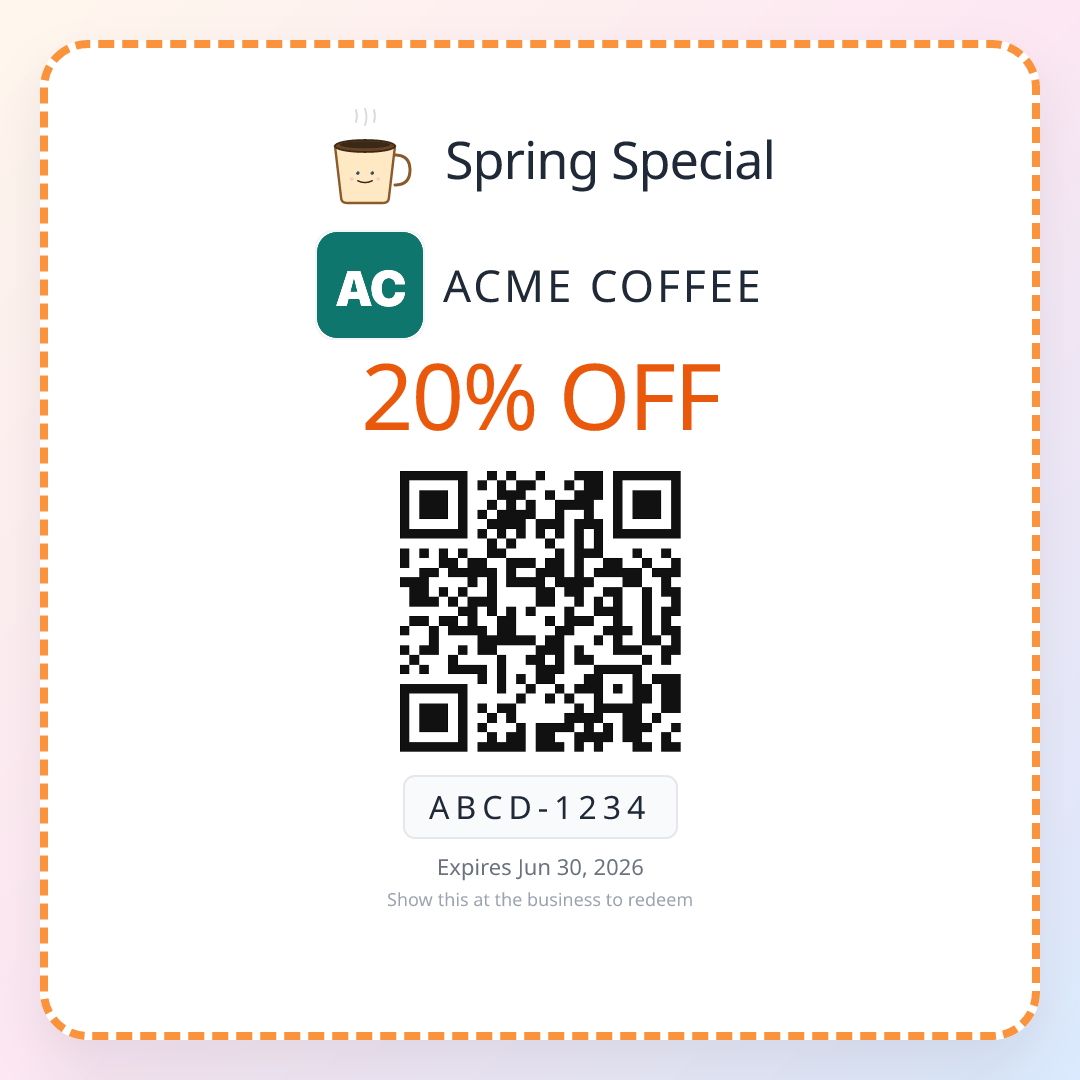
You don't need a $399/month platform to win repeat business either — once the reviews are coming in, drive customers back with QR coupons using the same scan-and-go simplicity.
How to cancel Podium (step-by-step)
The single most common complaint about Podium on G2, Trustpilot, and the Better Business Bureau is the cancellation process. Users routinely report being billed for 2-6 months after they thought they had cancelled. This section walks through the cancellation steps that actually work, based on the language buried in Podium's terms of service.
- 1
Find your renewal date first
Log into your Podium account and check Billing → Subscription. The auto-renewal date is what matters — not the original signup date. Cancellation requests submitted after the renewal window has opened do not stop the next year of billing.
- 2
Submit cancellation in writing, not by phone
Podium support will encourage a phone call. A phone conversation is hard to prove later. Email support@podium.com with subject line "Account cancellation request — [Your business name] — [Account ID]" and request written confirmation. Save the email thread.
- 3
Specifically state non-renewal
Use this exact phrasing: "I am providing notice of non-renewal for my annual contract. Please confirm in writing that my account will not auto-renew on [renewal date] and that no further charges will be processed." Vague language ("I want to cancel") has been treated as a future intent rather than a binding request.
- 4
Export everything you can before access ends
You cannot export Podium contacts, but you can download conversation history, payment records, and review request logs from the dashboard. Do this immediately — access is typically revoked at the renewal date, not on a 30-day notice.
- 5
Watch your card statement for 90 days
Multiple users report charges continuing after confirmed cancellation. Dispute any post-cancellation charges with your card issuer using the written confirmation email as evidence. Banks resolve these as merchant errors in under 30 days when the documentation is clean.
If you are inside your annual contract and not at the renewal window, Podium will not let you cancel early without paying the remaining months. Some users have negotiated month-to-month buyouts at 50-75% of the remaining contract value — but only when they had a written reason (business closure, relocation, ownership change) and escalated to retention.
Migrating from Podium to ReviewQR
You do not need to wait for your Podium contract to end before starting with ReviewQR. The two systems do not conflict — your Google reviews live on Google, not in either platform. Most owners run both in parallel for 30-60 days, then drop Podium at the renewal date.
What transfers automatically
Your Google reviews. Every review you collected through Podium is already on your Google Business Profile and stays there forever. Cancelling Podium does not remove a single review.
Your Google rating. Reviews continue to count toward your rating regardless of which tool collected them. ReviewQR pulls your live rating directly from Google.
Your Google Business Profile. ReviewQR connects to your existing profile in 30 seconds — same business listing, same review URL, same audience.
What does not transfer (and why it does not matter)
Customer phone numbers from Podium. Podium does not let you export these. The good news: ReviewQR uses QR codes, not SMS, so you do not need a contact list to collect reviews. Print the QR code once, place it on counter/table/receipt, and customers scan when they are ready. No phone numbers required.
Podium message templates. ReviewQR does not send messages — it routes scans directly to your Google review page. There is nothing to template.
Podium analytics history. ReviewQR starts fresh analytics from day one. The metric that actually matters — your total Google review count and rating — is preserved on Google.
Migration timeline
By the time your Podium contract is up, you have 30+ days of ReviewQR data proving the QR code is working — and you have saved roughly $389 in that single month compared to staying on Podium. If you are comparing more options, our NiceJob comparison covers the mid-tier ($75/month) bracket between Podium and ReviewQR.
FAQ
How much does Podium actually cost?
Podium starts at $399/month for the Core plan, but the real cost is higher. Add phone seats ($25-30/month each), extra phone numbers ($5/month each), and a 10DLC compliance fee ($5/month per US location). Most small businesses end up paying $450-550/month before they realize it.
Is Podium worth it for a small business?
For most single-location small businesses, Podium is far too expensive and complex. At $399+/month, you are paying for AI concierge, bulk messaging, VoIP phones, and payment processing that a local shop rarely needs. A focused tool like ReviewQR ($10/month, no contract) handles the core job — collecting Google reviews — for 98% less.
Can I cancel Podium anytime?
No. Podium requires annual contracts with automatic renewal. Users on G2 and Trustpilot report that cancellation is extremely difficult — billing often continues for months after cancellation requests. You also cannot export your contacts when you leave.
What is the cheapest Podium alternative?
ReviewQR is one of the most affordable Podium alternatives at $10/month with no contracts. Every plan starts with a 14-day free trial and includes the Google review QR code plus scan tracking. Other budget options include NiceJob ($75/month) and Birdeye ($299/month). Podium starts at $399/month with an annual commitment.
Do QR codes work better than SMS for collecting reviews?
QR codes and SMS both work, but QR codes have a major advantage: zero ongoing cost per review request. Podium charges per SMS. With a QR code, you print it once and it works forever — customers scan it whenever they are ready, with no awkward text message needed.
What happens to my reviews if I cancel Podium?
Your Google reviews stay on Google regardless of which tool you use — they belong to your Google Business Profile, not to Podium or any review platform. However, Podium does not let you export your customer contact list, so you lose that data when you leave.
How do I actually cancel a Podium account?
Submit cancellation in writing (email, not phone) to support@podium.com before your annual renewal date, using the explicit phrase "I am providing notice of non-renewal." Request written confirmation that the account will not auto-renew and that no further charges will be processed. Save the thread — multiple users report charges continuing after verbal cancellation, and clean written evidence is what resolves card disputes.
Can I run ReviewQR and Podium at the same time during migration?
Yes. The two systems do not conflict because your Google reviews live on Google, not inside either tool. Most owners run both in parallel for 30-60 days while still under their Podium contract, then drop Podium at renewal. By that point you have a month of ReviewQR scan data proving the QR code works.
Keep reading
NiceJob Alternative: ReviewQR at $10/mo vs $75/mo
NiceJob costs $75/mo with annual billing and email-based review requests. ReviewQR is $10/mo with QR codes and no contracts. See the honest comparison.
comparisonBirdeye Alternative: ReviewQR at $10/mo vs $299/mo
Birdeye costs $299/mo with 12-month contracts. ReviewQR is $10/mo with no contracts. See why 180+ small businesses chose the simpler way to collect reviews.
comparisonBest QR Coupon App for Small Business: 5 Tools Compared
Coupon Carrier, Voucherify, TapMango, OwnQR, ReviewQR — single-use QR coupon apps ranked by price, redemption flow, and small-business fit in 2026.