How to Send Unique Coupon Codes to Your Customer List by Email
One code for everyone gets forwarded. A unique coupon code per customer, sent by email from your own address, works once and tells you who came back. How to do it for a salon, café or shop, with no POS and no online store.
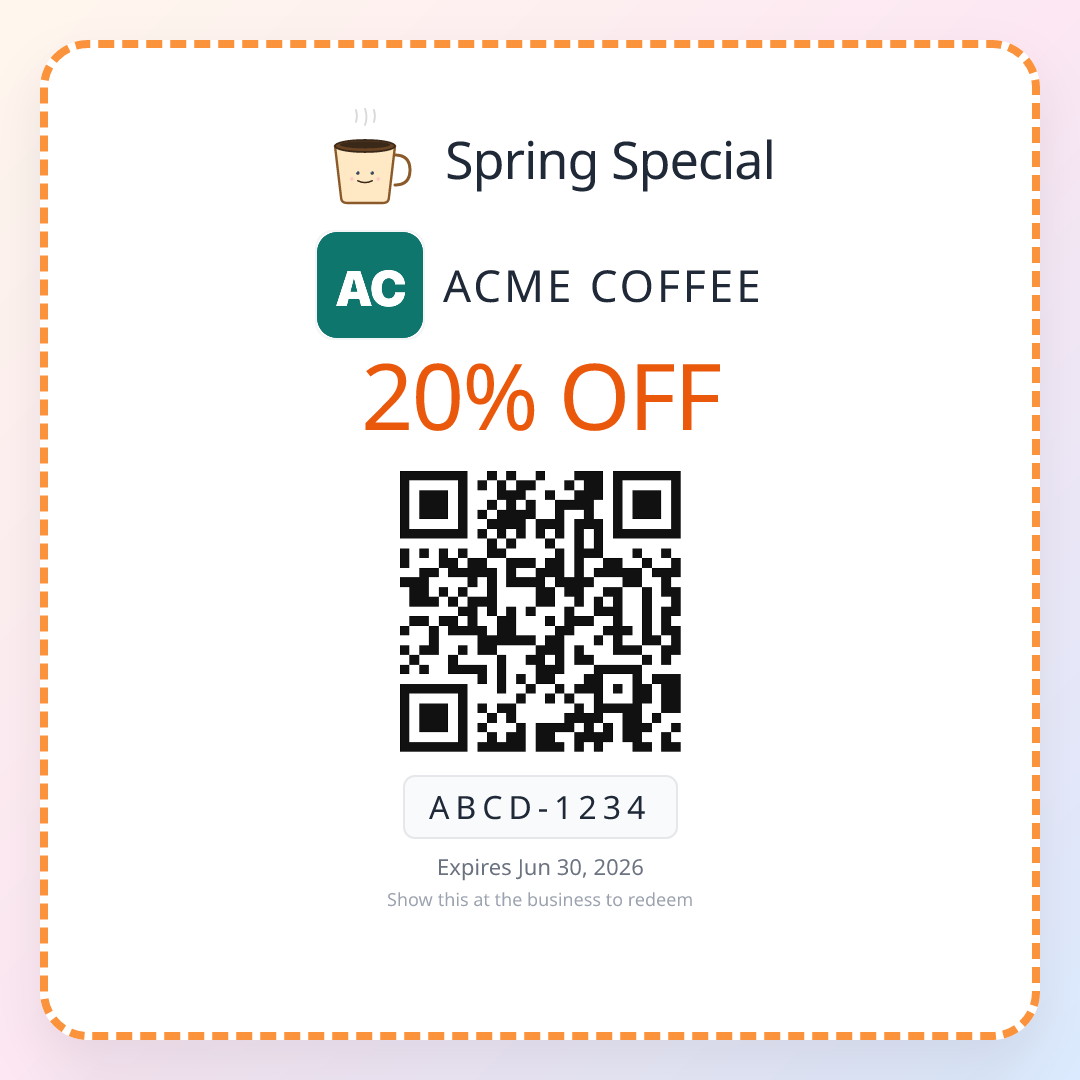
A salon owner has 600 clients in her booking system. She wants to send each of them $10 off a visit in the quiet weeks of January. Her email tool will happily send 600 emails. It will put the same code, JANUARY10, in all of them.
By the end of the first day, one client has forwarded it to her sister, someone has posted it in a local mums' group, and the code is working for people who have never sat in her chair. She will find out how many of her own clients came back only by asking each one at the desk.
That is the whole problem with email coupons. Sending is easy. A different code for each person, and knowing when it was used at the counter, is the hard part.
The short answer
To send unique coupon codes to your customer list, use a tool that creates one code per person and sends it in the same step. Most email tools send the same code to everyone, and codes made by an online store are checked at that store's online checkout, not at your counter.
We make a tool that does this, ReviewQR, so weigh that:
| What you need | How ReviewQR does it |
|---|---|
| A different code for every customer | Each person on your list gets their own single-use QR coupon |
| Sent from your business, not from us | Emails go out from your own address, such as hello@yoursalon.com |
| Checked at the counter, no POS | Staff scan the QR with any phone: valid, already redeemed or expired |
| Know who came back | Per person: email delivered, opened, coupon opened, coupon redeemed |
| A nudge before it expires | A reminder email to the people who have not used theirs |
| Price | Growth plan, $25/month with 500 coupons a month, 14-day free trial |
The Forward Problem
A code that is the same for everyone is a piece of information, and information travels. Email makes it travel faster than paper: forwarding is one tap, and a screenshot of an email is as good as the email.
We call this the Forward Problem. It has two costs:
- You cannot count. If 140 people use JANUARY10, you do not know how many were your clients, how many were their friends, and how many came from a deals page.
- You keep offers small. Because a generous offer could go anywhere, owners send 10% when $20 off would actually bring people in.
A unique code fixes both. Six hundred codes means at most six hundred discounts, whoever ends up holding them, and each redemption is tied to the person you sent it to.
How to send unique coupon codes, step by step
- 1
Write the offer
One clear, fixed amount and an expiry date. For example: $10 off any service, valid 6 to 31 January.
- 2
Connect your sending address
Add a few DNS records for your domain, once. After that, every campaign goes out from your own address.
- 3
Add your customer list
Upload a spreadsheet or paste it. A name and an email per row is enough. Rows with a broken address are shown before you send.
- 4
Write the email
A subject and a short message, with the customer's name filled in. Send yourself a test first.
- 5
Send
Each person gets their own QR coupon. If your daily limit is reached, the rest go out automatically the next day.
- 6
Scan and read the results
Staff scan coupons at the counter. The results page shows who opened the email, who opened the coupon and who redeemed it.
What you need before the first send
- Your own domain. An address like hello@yoursalon.com. Bulk email from a Gmail or Outlook address tends to land in spam, so campaign emails are sent only from a domain you own.
- Permission. Only email customers who agreed to hear from you: people who gave an email for offers, or who book with you and accepted marketing. Every email carries a one-click unsubscribe, and people who unsubscribe are never emailed again.
- A clean list. A spreadsheet with one person per row. Old lists bounce; a send pauses by itself if too many addresses bounce, so one bad list cannot damage your domain.
If you have twenty customers, not six hundred, you do not need any of this: make the coupons, copy each customer's link and send it yourself from your phone.
One January, 400 emails
An example with round numbers. A salon sends 400 clients $10 off a visit between 6 and 31 January. Average visit: $55.
| Number | |
|---|---|
| Emails sent | 400 |
| Opened the email | about half, 200 |
| Opened the coupon | about 120 |
| Redeemed | 60, a 15% response |
| Discounts given | 60 × $10 = $600 |
| Visits in the quietest month | 60 × $55 = $3,300 |
These rates are an example, not a promise; yours depend on your list and your offer. The point is the last two rows: with unique codes you know they are 60 of your own clients, and the discount can never exceed 400 × $10, whoever forwards what.
When another tool fits better
- You sell online and the coupon is for your web shop. Use the discount codes of your online store and the email tool connected to it. Those codes are checked at online checkout, which is where your customer will use them.
- You already run Square or Toast at the till. Check their marketing add-ons first: a code checked by your POS saves staff a step.
- You have only a handful of customers. Send each link by hand, as above. No plan needed: coupons cost 12¢ each, paid once, from $3 for 25.
Related reading
- Single-use coupons: why one code per customer beats a code everyone shares.
- Groupon alternatives for small business: bring your own customers back instead of deal hunters.
- Bounce back coupon: fill the quiet weeks from the busy ones.
- Best QR coupon app for small business: five tools compared.
Frequently asked questions
How do I send a unique coupon code to each customer by email?
Use a tool that creates one code per person and sends it in the same step. In ReviewQR you upload or paste your customer list (name and email), write the offer and the email, and send it from your own business address. Each person gets their own single-use QR coupon in the email. Staff scan it at the counter with a phone, it works once, and you see who opened the email, who opened the coupon and who redeemed it. Email campaigns are on the Growth plan, $25 a month for 500 coupons, with a 14-day free trial.
Why not send the same promo code to everyone?
A shared code gets forwarded. One customer sends it to a friend, the friend posts it in a group chat, and the code keeps working for anyone who has it. You cannot tell how many of your own customers came back, and a generous offer becomes risky. A unique code per customer can only be used once, so the number of discounts is the number of codes you sent.
Do I need a POS or an online store to use unique coupon codes?
Not with QR coupons. The code is checked by scanning it with any phone at the counter: the screen shows valid, already redeemed or expired. Codes made by an online store are checked at that store's online checkout, which does not help a customer standing at your counter.
Can I send coupon emails from my Gmail address?
Not in bulk from ReviewQR. Campaign emails go out from an address on your own domain, such as hello@yoursalon.com, after you add a few DNS records, because mail sent in bulk from a Gmail or Outlook address is likely to land in spam. If you only have a few customers, you can copy each customer's coupon link and send it yourself from your phone or your normal inbox.
How many coupon emails can I send per day?
A new sending domain starts with a daily limit that grows over its first week, so inbox providers learn to trust it. ReviewQR shows how many you can send today before you press send, sends the rest automatically on the following days, and pauses a send by itself if too many addresses bounce, so one bad list does not damage your domain.
Do I need my customers' permission to email them a coupon?
Yes. Only email people who agreed to hear from you, for example customers who gave their email for offers at the counter or when booking. ReviewQR asks you to confirm that before a send, adds a one-click unsubscribe to every email, and never emails someone who unsubscribed again.
Keep reading
Bounce Back Coupon: What It Is, 5 Examples, and When It Should Start
A bounce back coupon is handed out on a busy day and only works on a quiet one. What it is, five examples by type of business, what one costs against what it brings back, and the start date that makes it work.
guides20 Small Business Promotion Ideas, Grouped by the Problem They Solve
20 small business promotion ideas for a slow day, a first visit, a second visit and a bigger ticket. Each one comes with the offer, who gets it, how you count it, and the math on whether it paid.
guidesSingle-Use Coupons: How One-Time Codes Work at the Counter
A single-use coupon works once, for one customer, then shows 'already redeemed'. How one-time coupon codes work, what a shared code really costs, and three ways to use them to bring customers back.