How to Get More Google Reviews: The 7 Moments That Work
How to get more Google reviews for your business without being pushy or breaking the rules: the seven moments when happy customers actually leave one, the direct review link, an eight-word script, the math of a QR code on the counter, and the mistakes that get reviews removed.
How to Get More Google Reviews: The 7 Moments That Work
A hair salon owner checks her Google profile on a quiet Tuesday. 38 reviews, 4.6 stars. Her chairs are full most of the week, and last Saturday alone a dozen clients looked in the mirror and said some version of "I love it." She did the math once: maybe 250 clients a month, every month, for four years. That is more than 10,000 visits and 38 reviews.
The salon across the street opened two years ago. It has 212.
She asks. She really does. "If you liked it, leave us a review on Google!" Clients smile, nod, say "of course," and walk out into their afternoon. Almost none of them do it, and not because they did not mean it. Between the salon chair and the review box there are six small steps, and every step loses someone.
This guide is about closing that gap: the seven moments when a happy customer actually leaves a review, how to make leaving one take ten seconds, and the rules that decide whether your new reviews stay up.
The Seven Moments
Most advice on how to get Google reviews is a list of channels: email, SMS, social, website widget. Channels are the wrong unit. A customer does not review because a message arrived; they review because the message arrived at a moment when they still feel something and the next step was easy.
The Seven Moments: there are seven points in a customer's visit when the feeling is high and the effort can be made tiny. Put a one-step review ask in each one you have.
- The handover. The meal arrives, the haircut is revealed, the keys come back.
- The compliment. The customer says "this is great" out loud.
- The wait. Waiting room, table, bay, queue: hands free, phone out.
- The receipt. Payment, bag, box, invoice.
- The follow-up. A text or email within a few hours, while it is still fresh.
- The second visit. The regular who came back is the happiest customer you have.
- The fix. The customer whose problem you just solved.
Not every business has all seven. A delivery service has no wait and no counter; a dentist has a long wait and no bag. Pick the ones you have. Three well-run moments beat seven half-run ones.
Why happy customers do not leave reviews
Here is what "leave us a review on Google" actually asks a customer to do, later, at home:
- Remember to do it at all.
- Remember your exact business name.
- Search for it and pick the right listing (not the one with a similar name two towns over).
- Find the reviews section and the "Write a review" button.
- Sign in to Google, if the browser is not signed in.
- Pick the stars and type something.
Only step 6 is the review. Steps 1 to 5 are friction, and they happen hours after the good feeling has faded. Every one of them loses people.
The asymmetry
Asking harder does not fix this. Removing steps does. A direct link or QR code turns steps 1 to 5 into one scan, done while the customer is still standing in front of you. You are not asking for more effort; you are asking for ten seconds at the moment they already feel like saying thank you.
Step zero: get your direct review link
Every Google Business Profile has a direct link that opens the review box with the stars ready to tap. It is the most useful thing in this guide, and most owners have never seen it.
There are two ways to get it:
- From your Business Profile. Sign in as the owner, search your business name on Google, and in the management panel look for "Ask for reviews" or "Get more reviews". Google shows a short link you can copy.
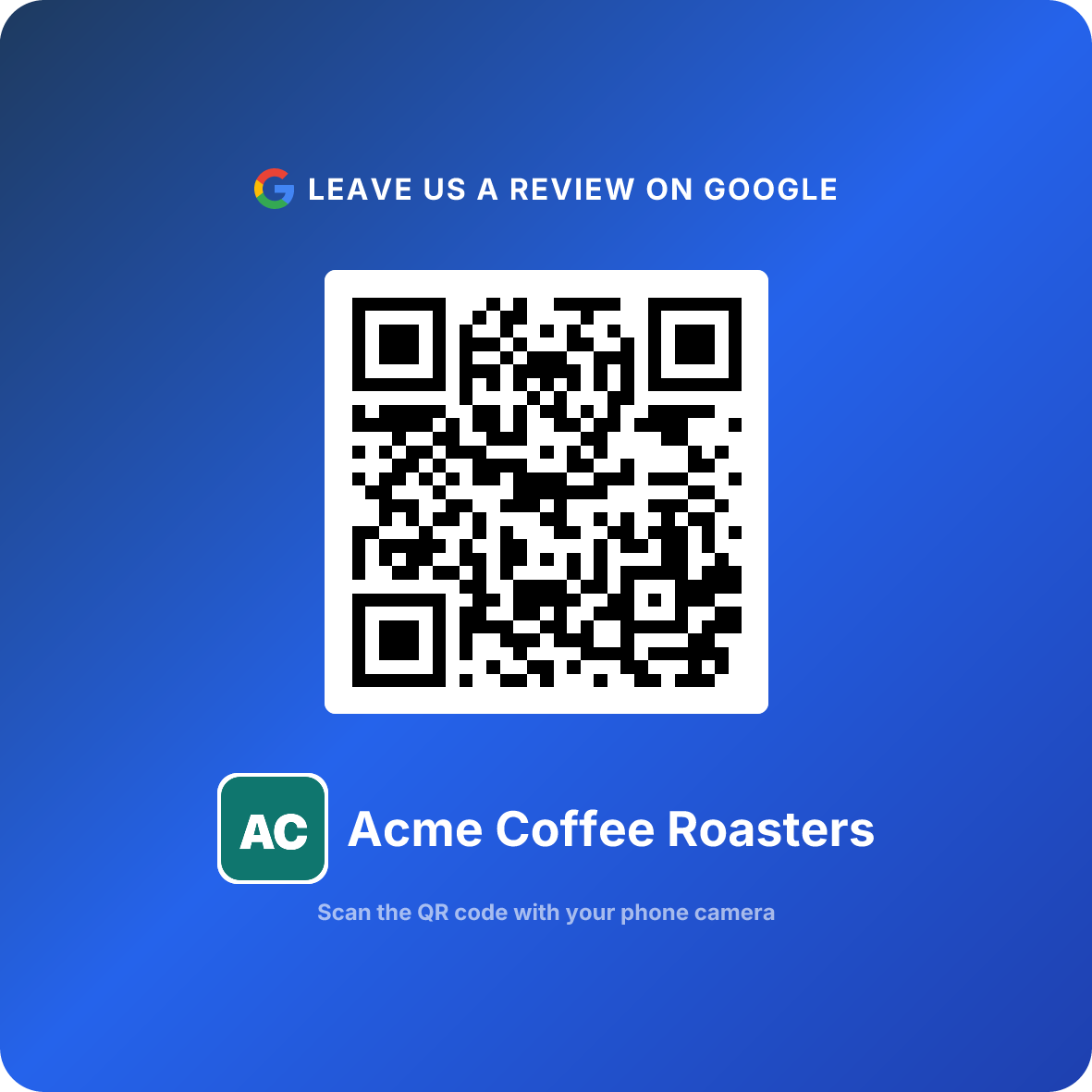
- Without signing in. Type your business name into the free Google review link generator. It finds your listing and gives you the direct link plus a QR code, no login needed.
Once you have it, that one link powers every moment below: it goes behind the QR code on the counter, into the follow-up text, onto the receipt and into your email signature.
Test your link on your own phone before printing anything. It should open the review box for the right business, not a search page. If you moved, merged listings or renamed the business, generate the link again.
The seven moments, one by one
For each moment: what the customer feels, where the ask lives, and what it looks like in practice.
1. The handover
The plate lands, the cape comes off, the car is gleaming, the keys are in their hand. This is the peak of the visit, and it is usually two minutes before they pay.
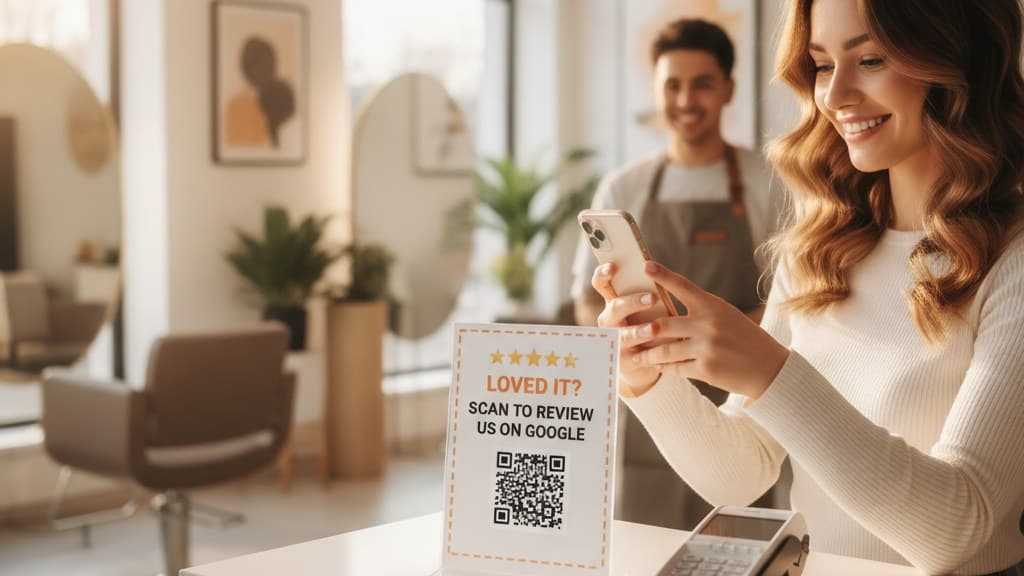
Where the ask lives: a QR code at eye level where the handover happens: the mirror station, the pickup shelf, the service desk. What it looks like: a small stand next to the card terminal that says "Loved it? Scan to tell Google" with the QR code underneath.
2. The compliment
When a customer says "this is the best burger I've had all year," they have just written your review out loud. All you have to do is point them to the box.
Where the ask lives: in the staff member's next sentence. What it looks like: "That means a lot. Would you put that on Google? The code is right here." Train every staff member to treat a spoken compliment as a cue.
3. The wait
Waiting customers have their phones out and nothing to do. It is the only moment where the ask competes with nothing.
Where the ask lives: table tents, waiting-room walls, the counter of a car wash lounge, the back of a menu. What it looks like: one QR code with one line ("Been here before? Tell Google what you think"). Do not cover the wall in codes; one per sightline is enough. More on exact spots in where to put your Google review QR code.
4. The receipt
Payment is the last thing a customer looks at before leaving, and the bag or box goes home with them.
Where the ask lives: the printed receipt, a card in the bag, a sticker on the takeaway box, an insert in a delivery parcel. What it looks like: a business-card-sized Google review card with a QR code, handed over with the change, or dropped into every order.
5. The follow-up
Some customers leave before anyone can ask: the busy lunch crowd, the delivery customer, the client who paid online. Catch them within a few hours, while they still remember the visit.
Where the ask lives: a short text or email with the direct link, sent the same day. What it looks like: "Thanks for coming in today, Jen. If you have ten seconds, a Google review helps us a lot: [link]. Sam at Bloom Salon." Short, personal, one link, no survey first. Ten more word-for-word versions (text, email, in person, receipt) are in how to ask for Google reviews.
6. The second visit
A first-time customer liked you. A customer who came back has decided they like you. Returning customers write warmer reviews and are more willing to take the ten seconds, because now they feel part of the place.
Where the ask lives: the second or third visit, in person. What it looks like: "Good to see you again! Have you ever left us a Google review? It would mean a lot." This is also why bringing customers back and getting reviews are the same job: every regular you create is a future reviewer.
7. The fix
A customer whose problem you solved quickly often becomes more loyal than one who never had a problem. The wrong order, fixed with a smile. The shoe repaired again for free. The booking mix-up sorted in two minutes.
Where the ask lives: after the problem is fully solved, never during it, and never as a condition. What it looks like: "Thanks for being patient with us today. If you feel like telling Google how we handled it, here's the code." If they say no, that is the end of it. And if the fix came too late and the review was already written, how to respond to Google reviews has templates for that reply.
The eight-word ask
Every moment above needs a sentence, and most owners say too much. Long asks sound like a favour; short asks sound like a normal thing customers do.
Bad version: "If you enjoyed your visit today, it would really help us out if you could go on Google, search for our name and leave us a review, ideally five stars!"
That is 31 words, four steps for the customer, and one rule broken (asking for five stars specifically).
Good version: "Got ten seconds? Scanning this helps us a lot."
Eight words, said while pointing at the QR code. No search, no name to remember, no star request. If the customer is mid-conversation, staff can just turn the stand toward them and smile.
Do This
- ✓Ask in the moment, with the QR code in view
- ✓Ask everyone, the same way, every time
- ✓Keep it under ten words and point at the code
- ✓Thank them whether they scan or not
Avoid This
- ✕Asking for five stars specifically
- ✕Asking only the customers who seem happy
- ✕Offering anything in return for the review
- ✕Asking twice in the same visit
What a counter QR code adds up to
Here is a planning scenario, so you can see the size of the gap. Take a café or salon serving about 1,200 customers a month.
Without a review system: customers who remember on their own. For many small businesses that works out to two to five reviews a month. Call it 3.
With a QR code at the handover plus the eight-word ask:
- Staff ask about a third of customers on a normal day: 400 asks.
- About 1 in 7 people asked actually scan: roughly 57 scans.
- About 60% of people who scan finish the review: roughly 34 reviews.
At that pace, a business sitting at 38 reviews passes 100 in two months and catches the salon across the street before the half-year. Your rates will differ: busier staff ask less, some customers never use QR codes, some neighbourhoods review more than others. Halve every number and it is still roughly five times the passive rate.
Volume also protects your average. One one-star review hurts a profile with 40 reviews far more than one with 200. The Google review calculator shows how many five-star reviews you need to move from your current rating to the next one.
These are planning numbers, not promises. Your scan and completion rates are the only numbers that matter, which is why the next section is about measuring them.
The rules: what gets reviews removed
Getting more reviews is pointless if Google deletes them, or worse, flags the profile. These are the lines not to cross, from Google's review policies and, in the US, the FTC rule on consumer reviews that took effect in October 2024.
1. No incentives for reviews. No discount, freebie, raffle entry or loyalty points in exchange for a review, positive or negative. This includes "show us your review and get 10% off."
2. No review gating. Do not ask "Were you happy with us?" first and send only the yes answers to Google. Ask everyone the same way.
3. No buying reviews and no fake reviews. Not from agencies, not from friends who never visited, not from staff. Google looks for patterns (sudden bursts, brand-new accounts) and removes suspicious reviews in batches.
4. No reviews written on the customer's behalf. Do not take their phone and type it for them, and do not set up a tablet in the shop where customers review on your device. Many reviews from one device in one place look suspicious, and Google's filters tend to remove them.
5. No asking for a specific rating. "Leave us a review" is fine. "Leave us five stars" is not.
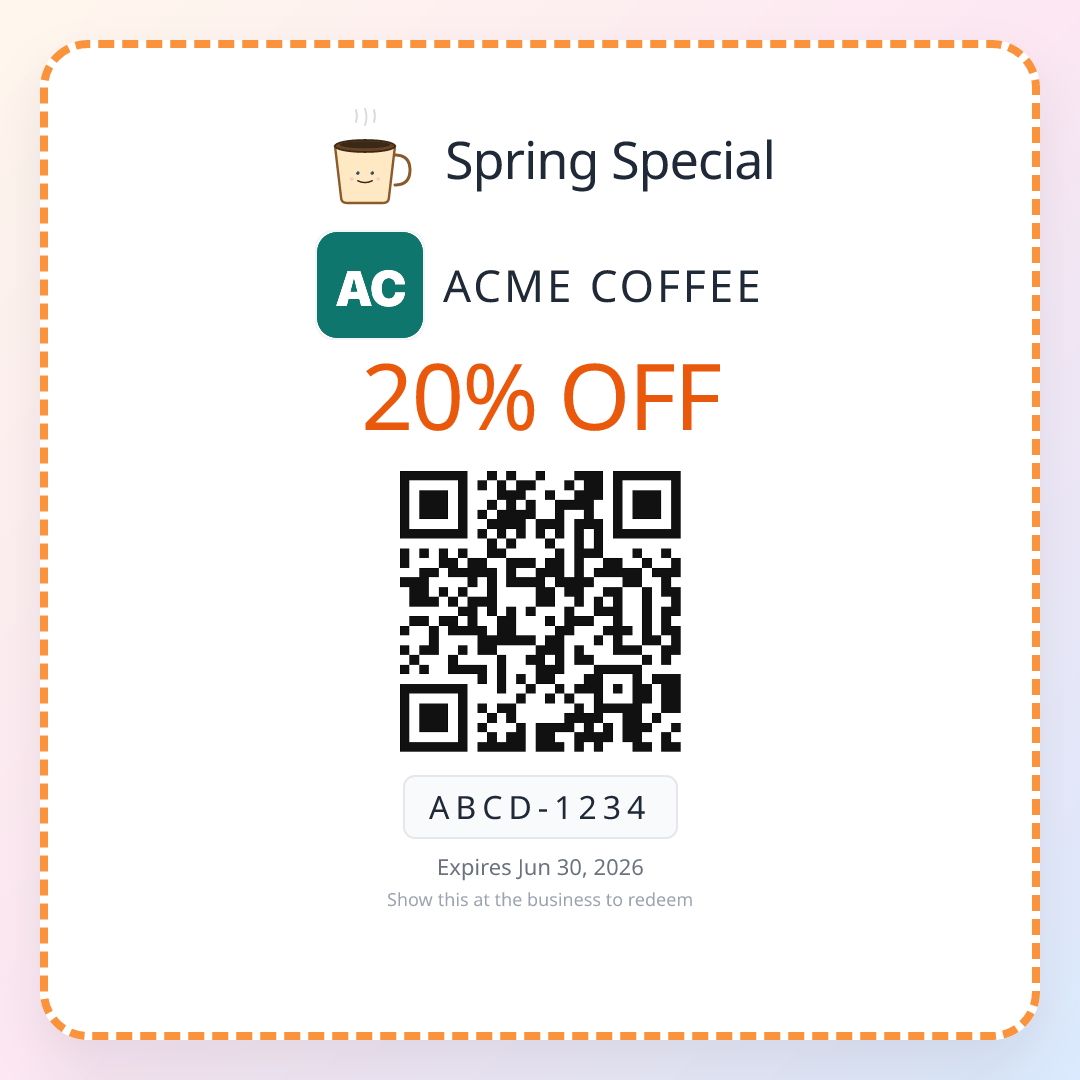
Coupons and reviews can live at the same counter, but never in the same sentence. Hand every customer a coupon for their next visit, whether or not they review, and keep the review ask separate. The moment a discount depends on a review, it is an incentive.
How to tell if it is working
Most owners judge their review effort by feel: "we've been asking more, I think it's working." Two numbers tell you for sure:
- Scans. How many people opened your review link this week, and from which spot (counter, receipt, table, text).
- New reviews. How many reviews actually appeared on your profile in the same week.
If scans are high and reviews are low, people are dropping off in the review box: test your link, and check that it opens the right listing. If scans are low, the ask is the problem: the code is in the wrong spot, too small, or staff are not pointing at it.
Change one thing at a time. Move the stand from the side counter to the card terminal for two weeks, compare scans, keep the winner.
Playbooks by industry
The seven moments are the same everywhere, but which one is strongest changes by trade. These guides go deep on one business type each:
| Business | Strongest moment | Playbook |
|---|---|---|
| Restaurants and cafés | The wait (table) and receipt | Restaurant Google reviews |
| Salons and spas | The handover (mirror) | Salon and spa Google reviews |
| Auto repair shops | The handover (keys back) | Auto repair Google reviews |
| Auto detailing | The handover (car reveal) | Auto detailing Google reviews |
| Dental clinics | The wait and the follow-up | Dental clinic Google reviews |
| Gyms and studios | The second visit | Gym and fitness Google reviews |
| Hotels and short stays | The follow-up (after checkout) | Hotel and Airbnb Google reviews |
| Delivery and e-commerce | The receipt (parcel insert) | Delivery Google reviews |
| Florists | The receipt (bouquet tag) | Flower shop Google reviews |
| Jewelry stores | The handover (the reveal) | Jewelry store Google reviews |
| Real estate agencies | The fix and the follow-up | Real estate Google reviews |
Seven mistakes that keep review counts low
1. Asking at the wrong time. At the start of a visit, during a problem, or by email a week later. The feeling is gone.
2. Making the customer search. "Find us on Google" adds five steps. Give them the direct link or the QR code, every time.
3. Hiding the code. A QR code taped to the back of the door, at knee height, the size of a stamp. Put it where eyes already go: the card terminal, the mirror, the table.
4. Asking only on good days. If only the owner asks, reviews only happen when the owner is in. Every staff member needs the eight words.
5. Bribing. "10% off if you leave a review" breaks Google's rules, and reviews tied to a reward are the first ones Google removes.
6. Gating. A "Rate us 1 to 5" screen that sends the fives to Google and the rest to a private form. It is against Google's policy, and customers recognise it.
7. Never checking the numbers. Without scans and new reviews side by side, you cannot tell whether the counter stand works or whether it has been hidden behind the tip jar for a month.
ReviewQR finds your direct Google review link, turns it into a print-ready QR code, and counts every scan so you can see which moment and which spot actually work. Every plan includes the Google review QR code and starts with a 14-day free trial (card required, cancel anytime): Essentials is $10 a month and Growth is $25 a month. Both also include single-use QR coupons, which turn first-time customers into the regulars who make moment six possible.
Get your Google review QR code
Related reading
If you want the exact words for each channel, how to ask for Google reviews has ten copy-paste scripts. For what to print, see Google review cards with a QR code, where to put your Google review QR code and NFC tap cards vs QR codes. If a customer asks how, send them how to leave a Google review. Once the reviews are coming in, how to respond to Google reviews covers the replies, and how to delete a Google review covers the ones that break the rules.
The direct review link on its own is in the free Google review link generator. And because regulars are the best reviewers, QR coupons for small business shows how to bring first-time customers back for that second visit.
Start your 14-day free ReviewQR trial. Review QR code plus coupons, included.
Frequently asked questions
How do I get more Google reviews for my business?
Ask at the moment the customer is happiest, and make leaving the review take one step. In practice: get your direct Google review link, turn it into a QR code, put it where customers pay or wait, and have staff say one short line ("Got ten seconds? Scanning this helps us a lot"). Follow up by text or email within a few hours for customers who left before you could ask. Ask everyone, not only the customers you think will be happy.
How can I get Google reviews fast?
Start with the people who already like you: regulars, customers who complimented you this week, and anyone whose problem you recently solved. Send them the direct review link personally, then put a review QR code at the counter so every new happy customer can do it in ten seconds. Do not buy reviews or run a review contest: Google removes them and can restrict your profile, and in the US the FTC can fine you.
Is it allowed to offer a discount for a Google review?
No. Google prohibits offering money, discounts, freebies or any incentive in exchange for a review, positive or not. You can give every customer a coupon for their next visit, as long as it is handed to everyone and has nothing to do with whether they leave a review. Keep the review ask and the coupon separate.
Why do my customers say they will leave a review and then never do?
Because the ask happens at the counter and the review happens later, at home, when they have to remember your exact business name, search for it, find the reviews tab and log in. Each step loses people. A QR code that opens your review box directly, scanned while they are still standing there, removes almost all of those steps.
How many Google reviews does a small business need?
There is no fixed number, but compare yourself to the top three businesses that show up for your service in your area. If they have 150 reviews and you have 30, customers will notice before they read a single word. Recent reviews matter too: a steady few per week looks better than a burst two years ago.
Can I ask only my happy customers for a review?
No. Google calls this review gating: filtering customers first (for example with a "Were you happy?" screen) and only sending the happy ones to Google. It is against the rules. Ask everyone the same way. You can still choose your timing well: ask at the end of the visit, when most customers are in a good mood, rather than during a problem.
Keep reading
How to Delete a Google Review (and What to Do When Google Says No)
Business owners cannot delete Google reviews, but they can report the ones that break policy, appeal a rejection, ask the reviewer, or file a legal request. Here is each route step by step, how to delete a review you wrote yourself, and the math for burying one bad review under good ones.
guidesHow to Leave a Google Review (Phone, Computer, and No Google Account)
Step-by-step instructions for leaving a Google review on an iPhone, an Android phone, or a computer, plus what to do without a Google account, how to edit or delete a review, and why a review sometimes does not show up. Written so a business can send this page to its customers.
guidesSmall Business Loyalty Program: No App, No Points, Just a Coupon
Every loyalty program charges the customer an enrollment tax before it can reward anything, and only your regulars ever pay it. The math on what that costs, and the three-play coupon system that replaces it, with placement geometry and a counter script.